The classic sign of a drive problem is the running belt slowing down as soon as you put your full weight on one foot. Usually either the drive belt between motor and front roller is slipping, or the running belt is too slack.
So first check and adjust the running belt tension. If the treadmill still slips after correct adjustment, the drive belt needs replacing. Always buy a new belt made for your exact model.
What you will need
Important: Always unplug the treadmill before starting and never run it with the motor cover off for longer than needed. When checking the alignment, run it at the lowest speed and keep hands and clothing well away from the rollers.
Step 1
Remove the motor cover
Unplug the treadmill, undo the screws holding the cover and lift it off. Depending on the model, the rigid plastic cover sits above or below the front of the treadmill.
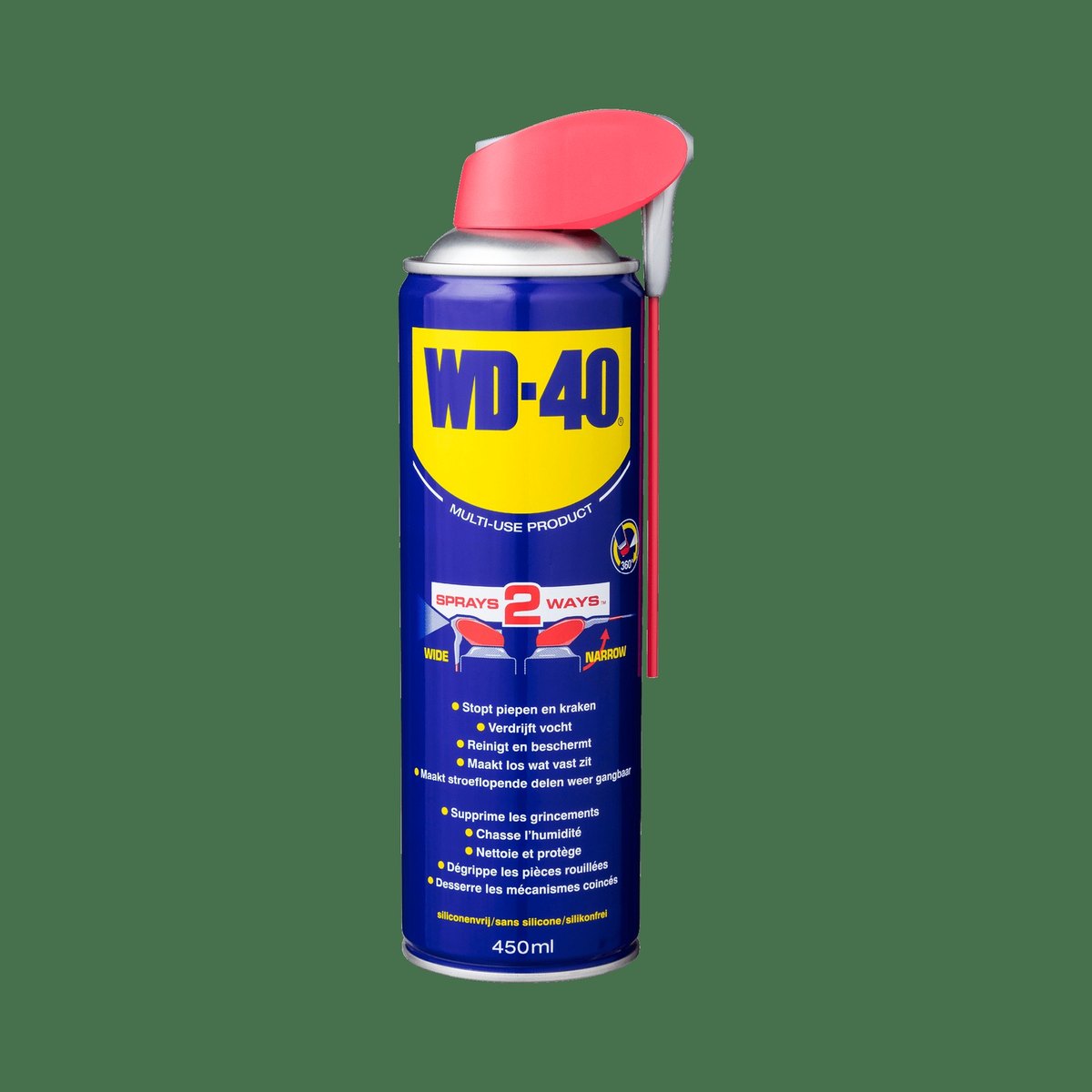
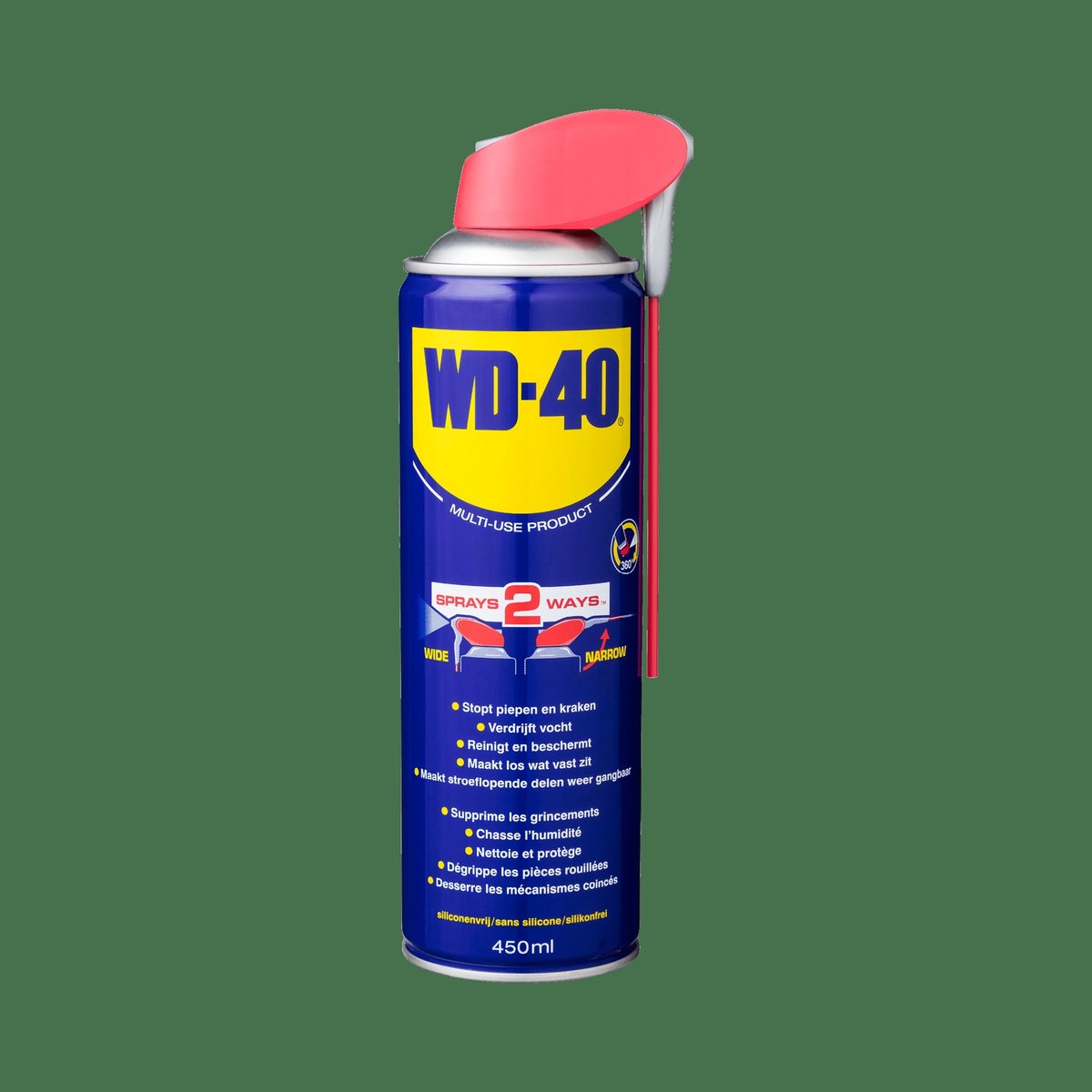
If the screws are seized or rusty, apply WD-40 Multi-Use and wait a few minutes so you do not strip the heads.

Step 2
Inspect the belt and check its tension
A belt with cracks, delamination or missing teeth on the inside must be replaced. If it looks intact, press it in the middle with a finger: it should not deflect more than about 1 cm.
If it moves much more, first try increasing the running belt tension with the rear roller bolts. If that does not help, replace it.

Step 3
Release the running belt tension
Using the Allen key, turn both rear roller adjustment bolts anticlockwise. Loosen them enough that the running belt no longer pulls on the front roller. Count the turns so you can restore the setting easily.
Step 4
Free the front roller and the motor
Undo the screw securing the front roller axle, counting the number of turns. Once it is out, the roller can be lifted from the adjuster seat and from the slot at the other end.
Loosen the motor mounting, which on some models is a sliding bracket and on others a separate adjustable tensioner.
Step 5
Fit the new belt
Turning the motor pulley by hand, remove the old belt from the pulley and from the drive drum on the front roller on the slot side. Fit the new belt onto the motor pulley, then onto the roller drum, and refit the roller axle into its slot.
While it is apart, wipe the screws and adjusters and treat them with WD-40 Multi-Use against corrosion.
Step 6
Tension the belt and reassemble
Refit the front roller axle screw with the same number of turns you counted on removal. Return the motor on its bracket or tensioner to its original position.
Final tension comes from the rear roller bolts: turn them clockwise evenly on both sides. When the tension is right, refit the motor cover.
Step 7
Centre the running belt and lubricate the deck
While the running belt is still slack, lift it and give the deck a few short sprays of WD-40 Specialist Silicone lubricant. Some treadmills must not be lubricated with silicone, so check the manual first.
Run the treadmill at low speed. If the belt is off centre, slightly tighten the bolt on the side with the larger gap and wait a few minutes for it to settle while the lubricant spreads.
Tip: Before dismantling, note the number of turns for each screw or photograph the motor position. It makes reassembly with the same settings quick and easy.
What next
After the replacement, check the belt tension and running belt alignment regularly and lubricate the deck about every three months. For routine care of a treadmill or elliptical, WD-40 Specialist Silicone and WD-40 Multi-Use are all you need.
These uses come from the experience of WD-40 users in many countries. Always follow the instructions and warnings on the product label.
More guides in «How to use».