A robotic mower works almost every day on its own schedule, much like a robot vacuum, only on your lawn. It is in constant contact with grass, soil and dew, so sticky residue builds up quickly on the body, the wheels and under the blade disc.
A short weekly check and a few simple jobs each season protect the motors, blades and battery from premature wear.
What you will need
Important: Switch the robot off at the main switch and let the motors cool before any maintenance. Do not hose it down or use a pressure washer unless the manufacturer explicitly allows it. The blades are sharp, so wear gloves.
Step 1
Remove grass and dust every week
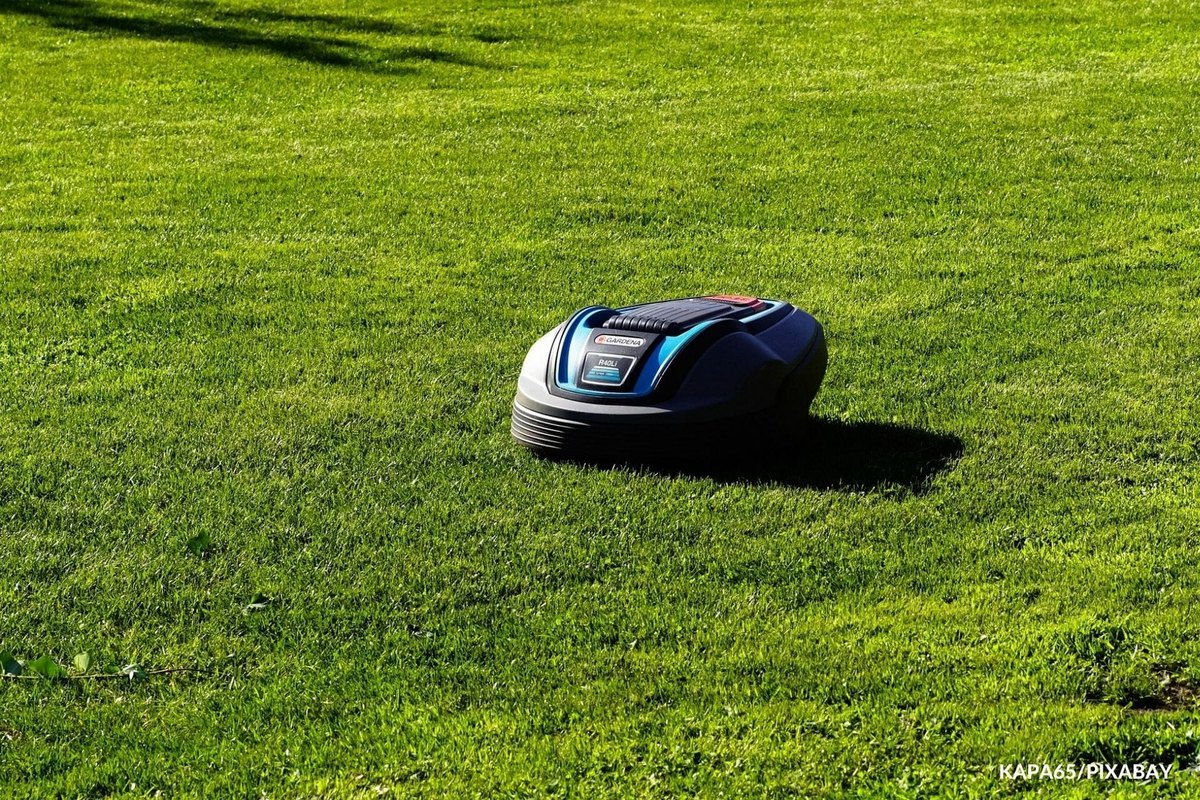
Daily cleaning is hard to keep up, but once a week is a must. Wipe the body with a soft damp cloth and brush grass out from between the wheels and under the blade disc.
In wet summer weeks, damp clippings stick fast, so check more often.
Step 2
Check the blades
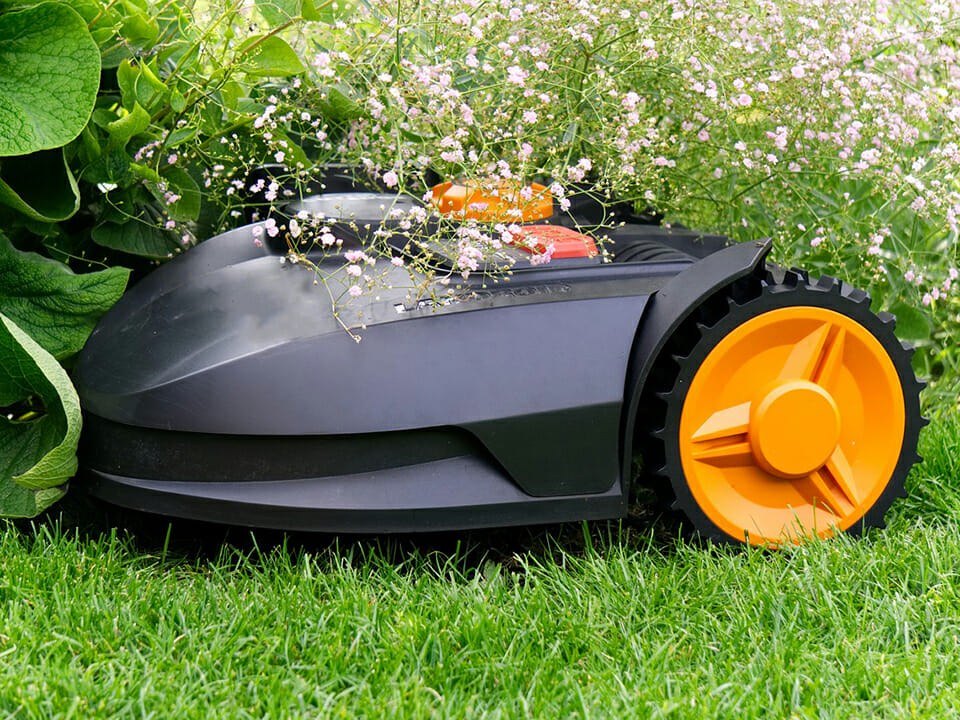
Blunt blades, or blades chipped by stones and twigs, tear the grass and make the motor work harder. Lay the robot on its side, undo the fixings and inspect them.
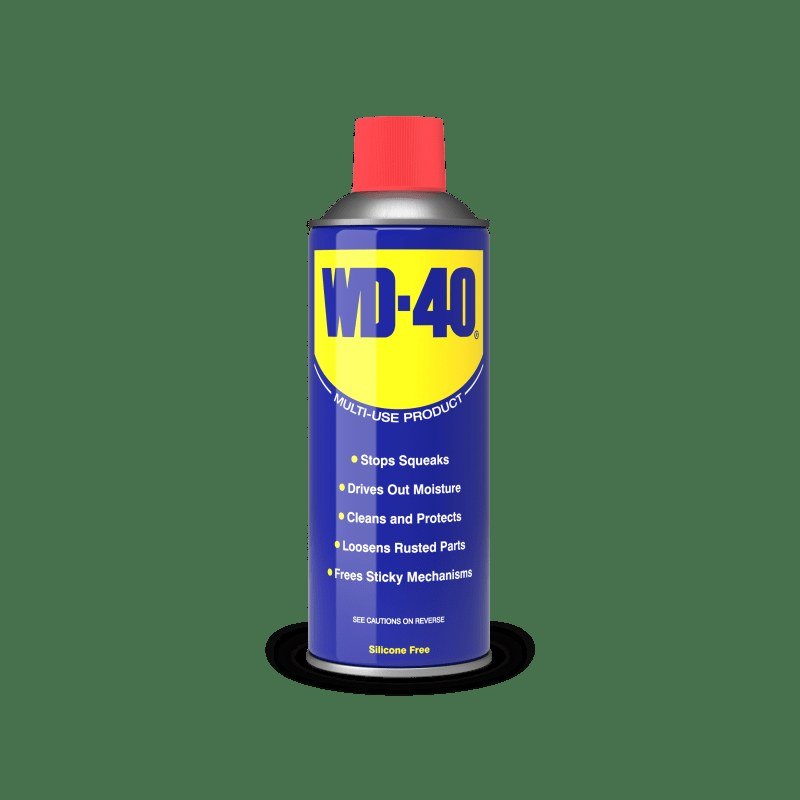
The small pivoting blades fitted to most models are not sharpened but replaced as a set. If yours has a solid blade, clamp it in a vice and file from the centre outwards on both sides, following the original angle. Before refitting, spray blades and fixings with WD-40 Multi-Use to keep rust away.
Step 3
Keep an eye on the battery
The battery needs no special care, but it does give warning signs. Watch two things: running time and charging time.
If the robot returns to base more often and charging takes longer, the battery will soon need replacing. Average life is around four years, depending on workload.
Step 4
Clean and lubricate the wheels
Wheels are often overlooked, which is a mistake: stiff wheels force the battery to work harder. Check regularly that grass has not wrapped round the axles, and clean the wheels with a brush and damp cloth.
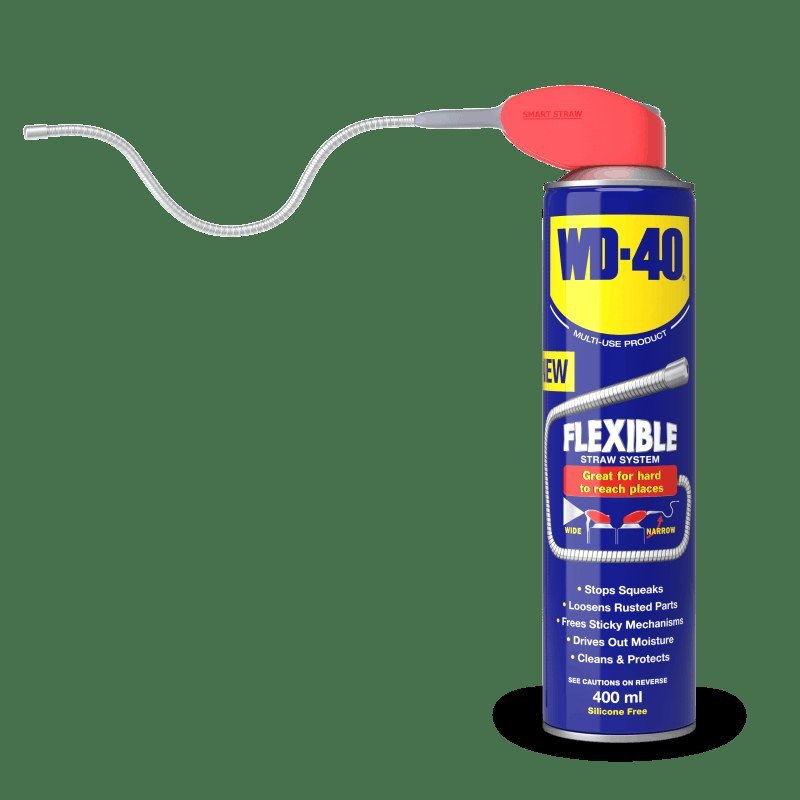
Spray dried-on mud with WD-40 Smart Straw, wait a few minutes, brush again and wipe off the excess with a dry cloth. It loosens caked soil and lubricates the axle, reducing friction.
Step 5
Look after the charging station
Rain and dew tarnish the contacts on the station and the robot, and the mower may fail to dock and charge. Wipe them with a dry cloth, then treat them with WD-40 Specialist Contact Cleaner, which removes moisture and deposits, dries quickly and leaves no residue.
Also check the boundary wire where it surfaces and clear grass around the station.
Step 6
Prepare the robot for winter
In autumn, clean the robot thoroughly, charge the battery fully and store it somewhere dry and above freezing. Give metal parts a light coat of WD-40 Multi-Use.
If possible, bring the station indoors as well, or cover it against snow as the manufacturer recommends.
Tip: Place the station on level ground in the shade: direct sun and puddles around the base shorten the life of the battery and contacts more than mowing itself.
What next
Weekly cleaning takes about 10 minutes, check the blades monthly and treat the station contacts a few times a season. Your robotic mower will then keep the lawn neat on its own for years.
These uses come from the experience of WD-40 users in many countries. Always follow the instructions and warnings on the product label.
More guides in «How to use».