A camera is tough but delicate, combining precision mechanics, optics and electronics. After a shoot on the beach, in a field or in the rain, dust and moisture get into the gaps, onto the lens contacts and, when you change lenses, inside the body.
Maintenance has two goals: keeping the gear working and making it last. And it covers more than the camera: tripods, background stands, lights and bags need care too.
What you will need
Important: Switch the camera off and remove the battery. Never spray anything onto lenses, the mirror, the sensor or into the mount opening: the cleaner goes onto a cotton bud only. Clean the sensor only with a dedicated kit or at a service centre.
Step 1
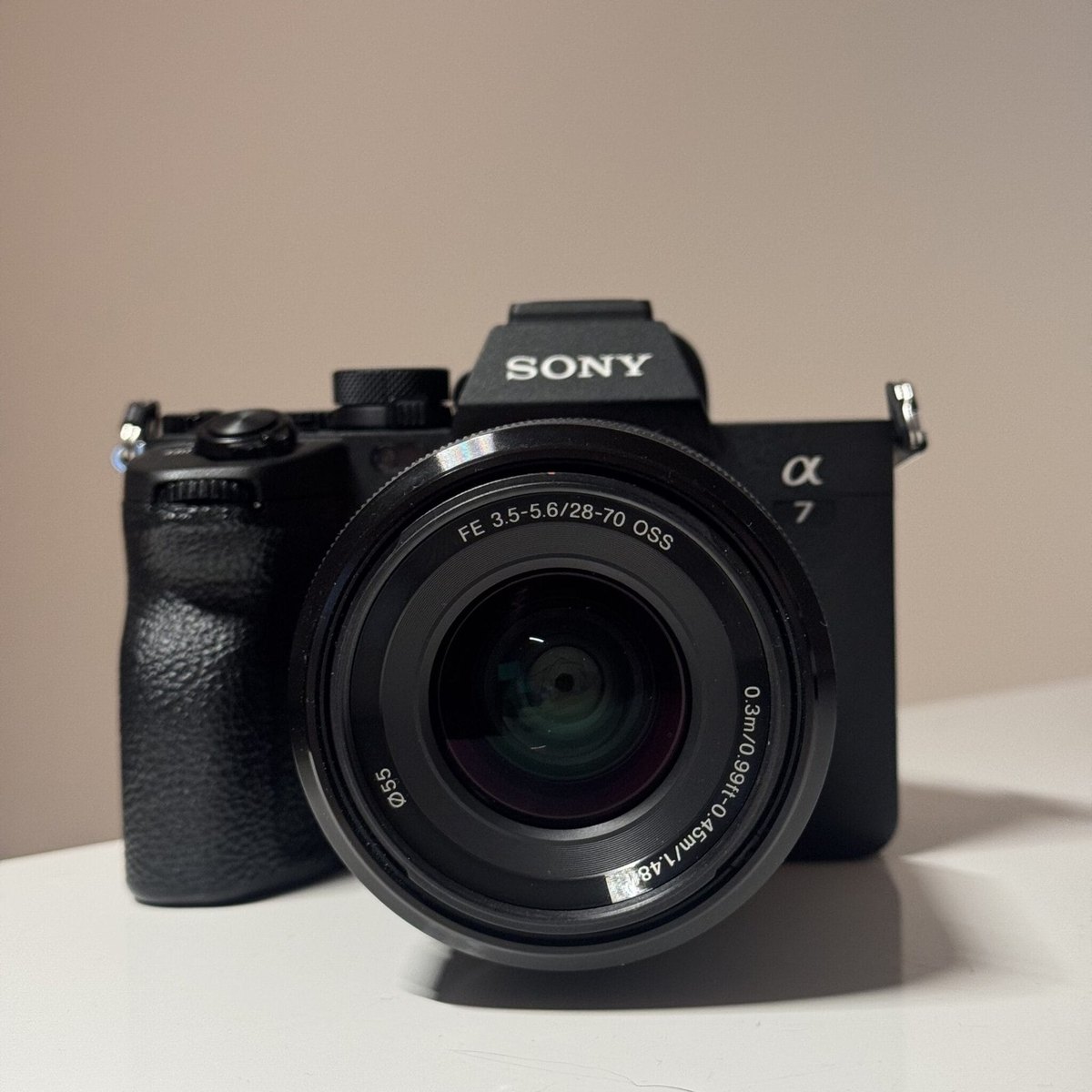
Clean the body
First blow or brush out every gap, dial and button: sand inside a dial mechanism ruins it quickly. Hold the camera mount facing down so dirt does not fall inside.
Remove fingerprints and sweat with a microfibre cloth very lightly dampened with distilled water. The cloth should be damp, not wet. Wipe the optics with a separate lens cloth.
Step 2
Clean the lens mount
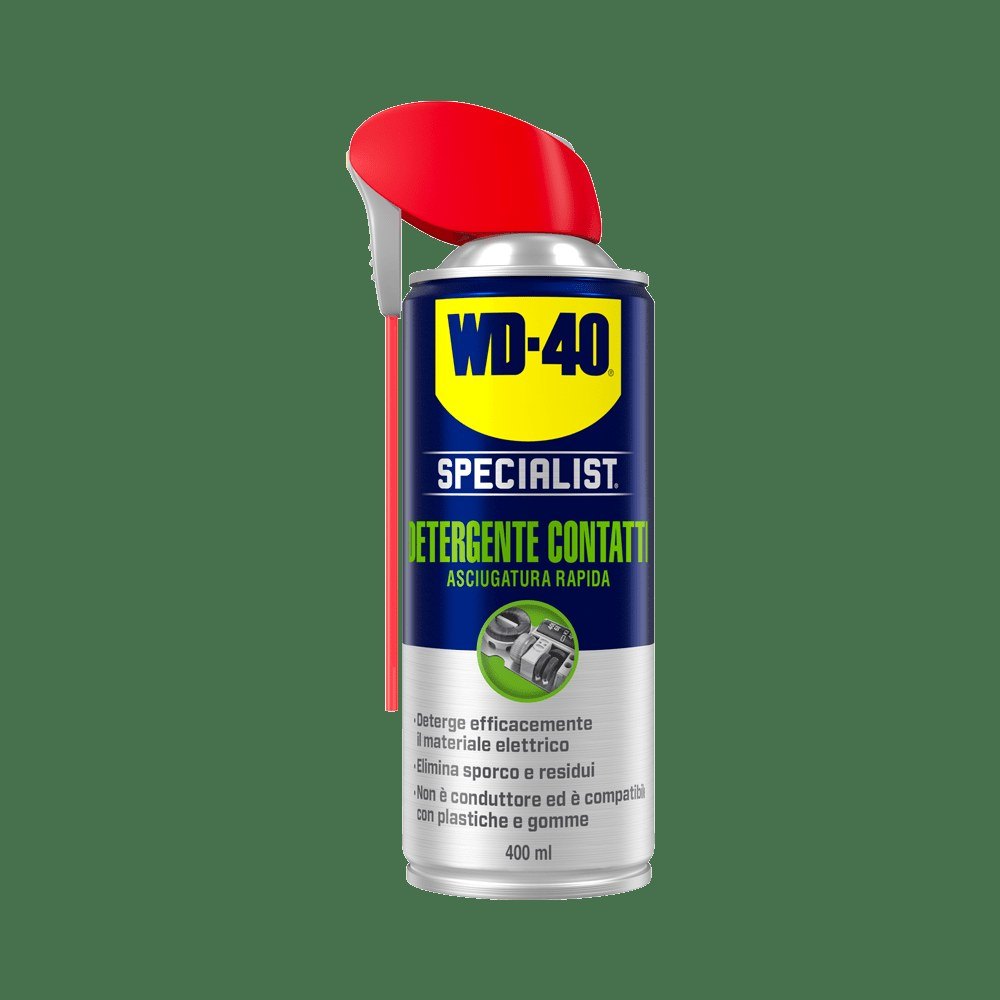
The bayonet mount on the lens and body has shaped lugs and precise seating surfaces. Blow them clean, then go over them with a dry microfibre cloth to remove dust and condensation.
Fit body and lens caps as soon as you take a lens off.
Step 3
Treat the lens contacts
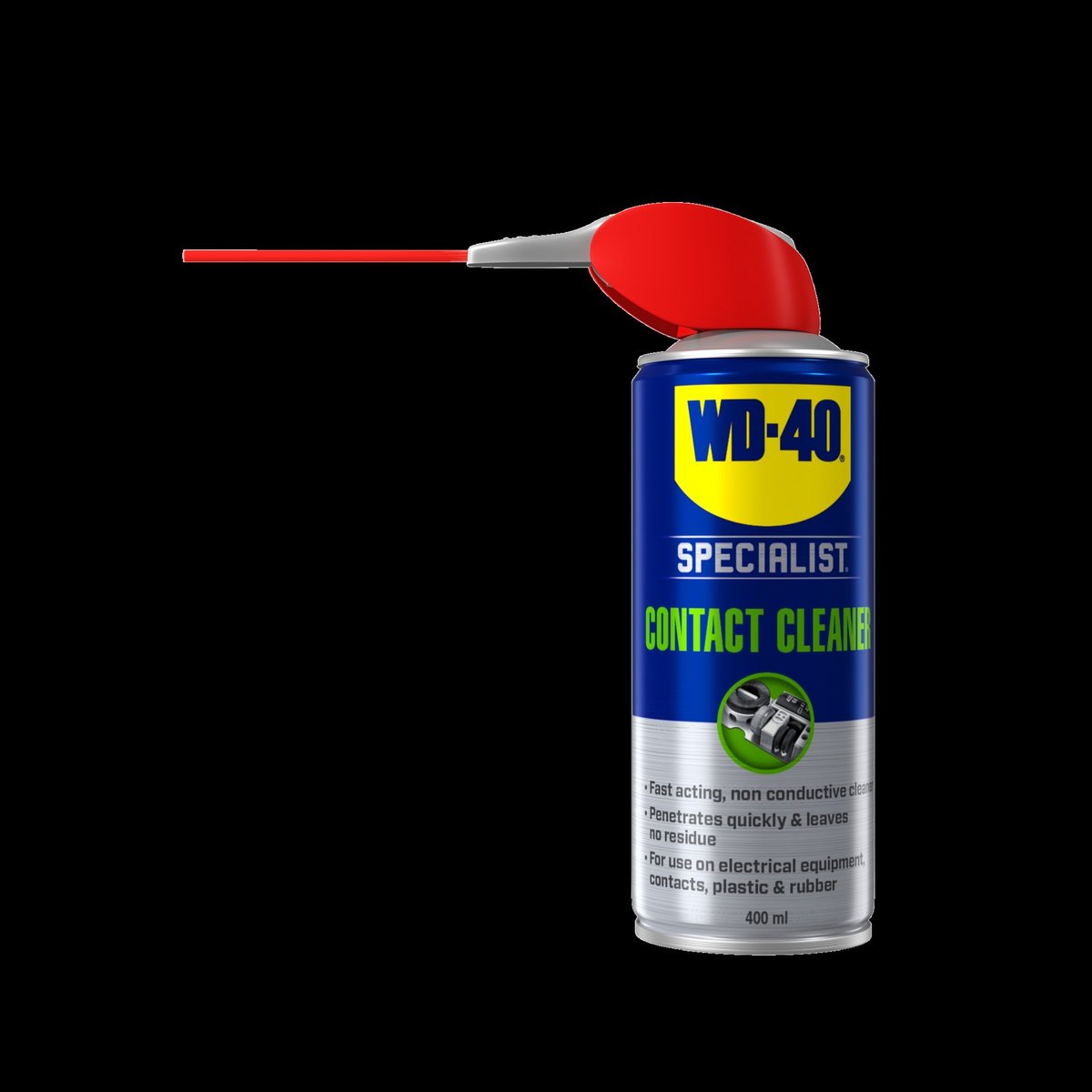
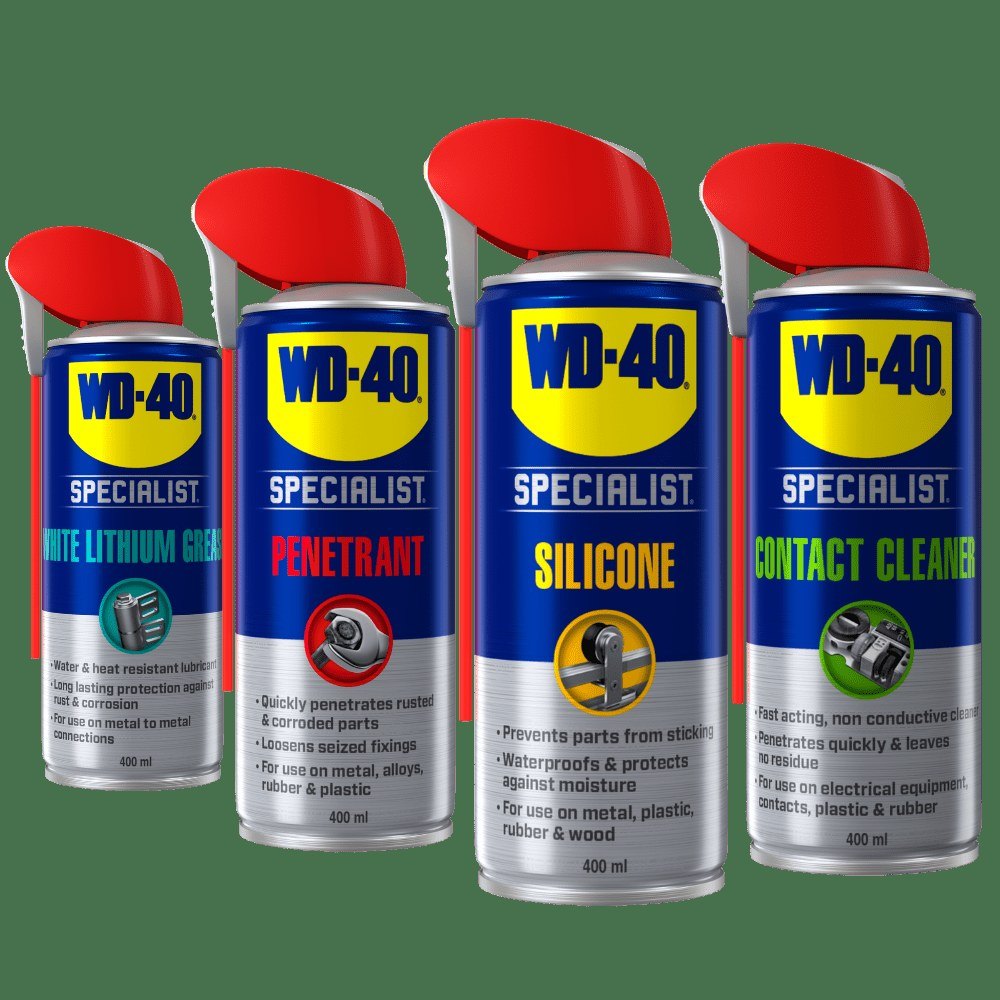
Clean contacts keep the lens talking to the body: autofocus, aperture and stabilisation. Blow them clean, then lightly moisten a cotton bud with WD-40 Specialist Contact Cleaner and wipe each contact.
It is non-conductive, dissolves grease, dust and oxidation, evaporates quickly without residue and is safe on metals, most plastics and rubber. Reassemble only once fully dry.
Step 4
Look after the battery compartment and ports
Battery compartment contacts, memory card slots and USB or HDMI ports gather dust too. Wipe the contacts with a cotton bud and WD-40 Specialist Contact Cleaner and let them dry.
Clean the contacts on the batteries and charger in the same way.
Step 5
Care for the tripod
Wipe the tripod with a cloth and warm water, adding a mild detergent if it is very dirty, then dry it thoroughly. This matters most after shooting by the sea or on salted winter streets.
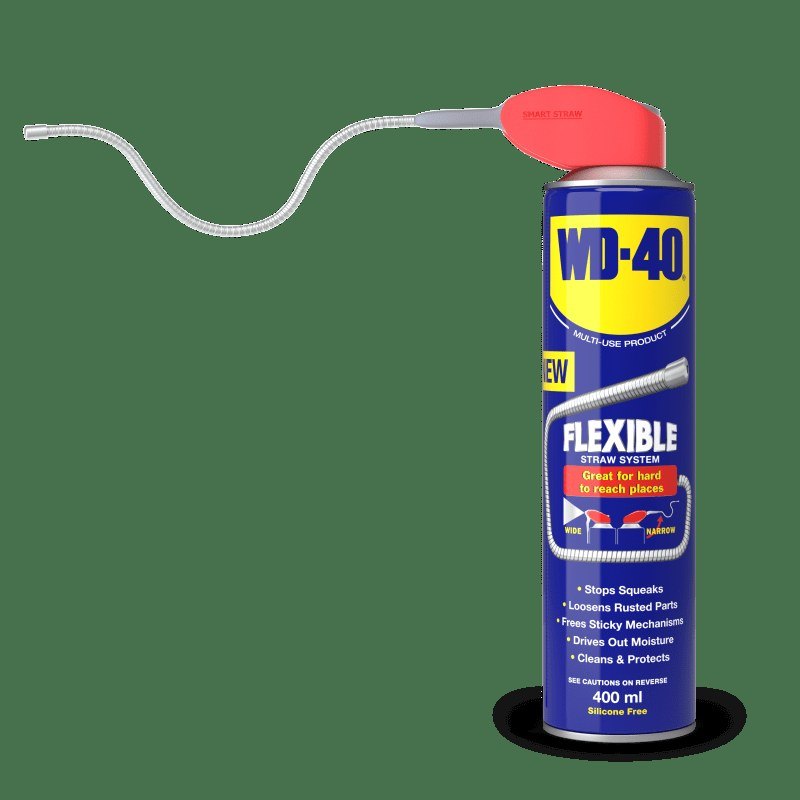
Apply a little WD-40 Multi-Use to the leg sections and clamps and extend them a few times. Treat the head joints and quick release plate screw through the straw of WD-40 Smart Straw. Wipe off the excess so it does not get on your hands or camera.
Step 6
Check the studio electrics
If you run a studio, clean the connectors on lights, triggers and cables regularly, as built-up dust causes faults. Unplug the unit and treat the contacts with WD-40 Specialist Contact Cleaner.
Protect metal background and light stands with WD-40 Multi-Use, especially if you often shoot outdoors.
Tip: In winter do not open a cold camera straight away in a warm room: leave it in a closed bag for an hour or two. That way no condensation forms on the sensor or contacts.
What next
Clean the body and optics after every location shoot and the contacts and tripod every few months. WD-40 Specialist Contact Cleaner also comes in handy for computers, remote controls and other home electronics.
These uses come from the experience of WD-40 users in many countries. Always follow the instructions and warnings on the product label.
More guides in «How to use».