CD players, amplifiers, stereo systems and stage equipment gather dust every day, and professional gear also picks up smoke and moisture from venues. Dust hampers cooling, while oxidised connectors and controls cause crackling, hiss and channels dropping out.
Professional equipment should be wiped weekly and cleaned thoroughly once a year. Home equipment can be serviced less often, but much depends on conditions: dust from renovation, a nearby kitchen, a damp house in winter. Here is how to do it safely.
What you will need
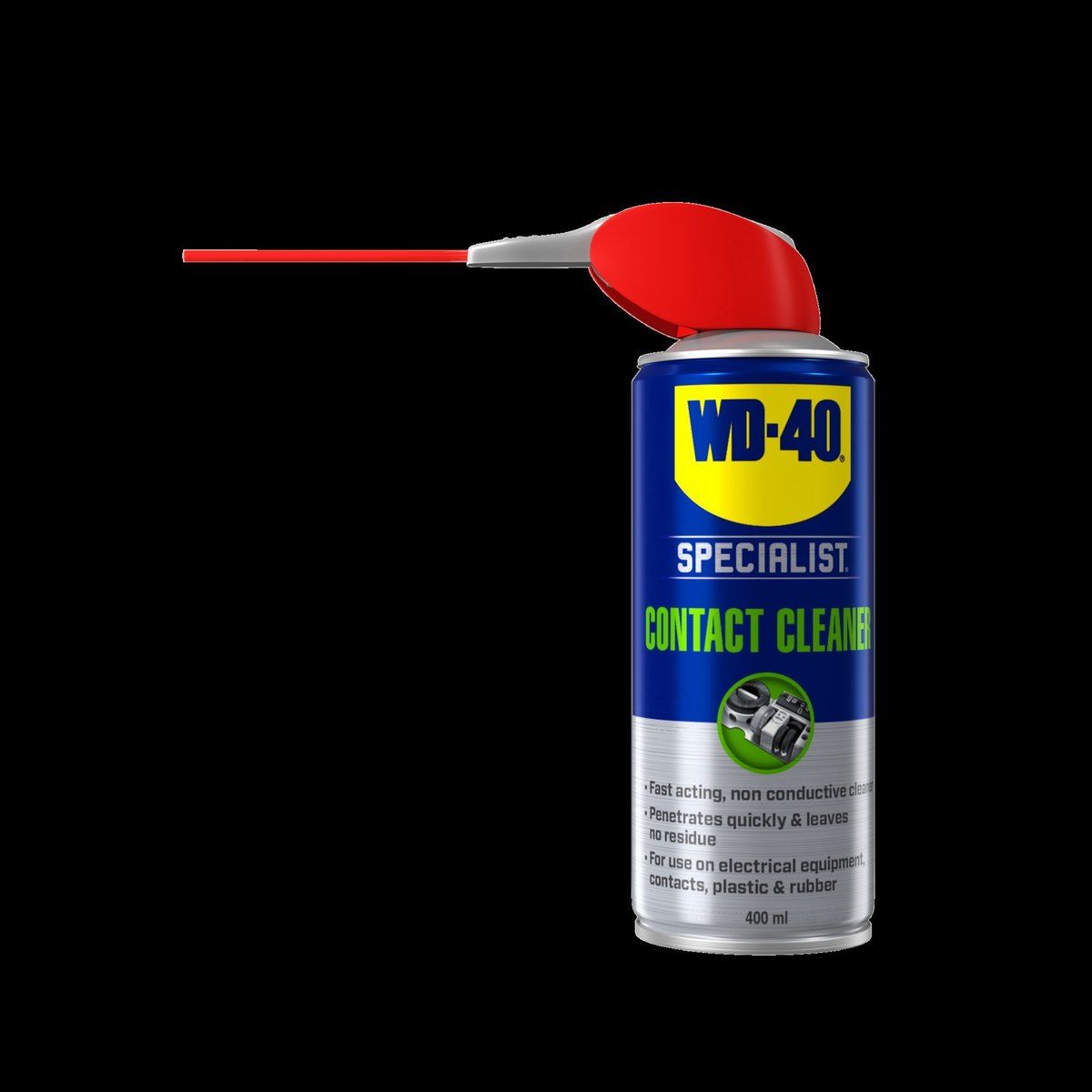
- WD-40 Specialist Contact Cleaner for connectors, controls and switches
- vacuum cleaner with a soft brush attachment
- soft brush
- microfibre cloth
- special moist screen-cleaning wipes
- cotton buds
Important: Before any cleaning, switch the equipment off and unplug it from the mains. Never clean devices that are plugged in. Do not open amplifier or valve equipment cases without experience: capacitors in the power supply can hold a charge after switch-off.
Step 1
Clean the outside of the case
Remove dust from the case with a soft brush or a vacuum cleaner on its lowest setting, paying attention to ventilation grilles, since blocked vents impair cooling. Then wipe the surfaces with a dry or barely damp microfibre cloth. Use only screen wipes on displays and glass panels, with no harsh cleaners.
Step 2
Clean the connectors and terminals
Crackling, hum or one channel cutting out is often caused by oxidised contacts. Disconnect the cables and spray WD-40 Specialist Contact Cleaner onto RCA plugs, jack and XLR connectors and speaker terminals, as well as into the sockets. It dissolves dirt, oxide and moisture and evaporates quickly without residue. Wipe the plugs with a microfibre cloth or cotton bud.
Step 3
Treat the controls and switches
A scratchy sound when turning the volume or balance knob means dust and oxidation inside the potentiometer. Spray contact cleaner through the thin straw into the gap beside the control shaft or switch, then turn it fully from stop to stop 15-20 times. Repeat if needed.
Step 4
Look after the speakers
Vacuum speaker grilles with the brush attachment on the lowest setting. Do not wipe or touch the driver cones; just remove dust with a soft brush. Treat the terminals on the back of the speakers in the same way as the amplifier connectors.
Step 5
Let it dry and test
Wait a few minutes for the cleaner to evaporate completely. Reconnect the cables, switch on at low volume and check that the crackle has gone and both channels are playing.
Tip: Position equipment with a few centimetres of clear space around the ventilation openings and never cover it with cloth: overheating does more harm than dust.
What next
Dust your equipment every 1-2 weeks and treat connectors and controls with WD-40 Specialist Contact Cleaner at the first crackle or once a year. Check professional gear separately after every outdoor event, as temperature swings and moisture speed up contact corrosion.
These uses come from the experience of WD-40 users in many countries. Always follow the instructions and warnings on the product label.
More guides in «How to use».