Switch, socket, connector and terminal contacts open and close electrical circuits, while circuit boards control how equipment works. Moisture and condensation cause oxidation, green or white deposits, higher contact resistance, arcing and faults, and dust on a board holds moisture and hampers cooling.
Contacts outdoors, in garages, cellars and country houses suffer most, where temperature swings in autumn and winter produce condensation. Below is how to clean contacts and boards and protect them from moisture in future.
What you will need
Important: Before you start, isolate the equipment completely: switch off the breaker, unplug it, disconnect the battery or batteries and wait for hot parts to cool. Never treat live equipment. Work in a ventilated area away from flames and switch the device on only when it is completely dry.
Step 1
Isolate and cool the equipment
Switch off the power and make sure there is no voltage at the contacts. Capacitors in power supplies can hold a charge for some time after switch-off, so do not touch their terminals.
Let hot components cool. If the board can be removed, take it out and place it on a clean, dry surface.
Step 2
Remove dust and dirt
Brush dust off the board, connectors and terminals with a soft dry brush. Do not rub tracks with metal objects or scrape contacts: this removes their protective plating.
Inspect the contacts: green or white deposits, darkening and arcing marks show where moisture has already done its work.
Step 3
Treat the contacts with cleaner
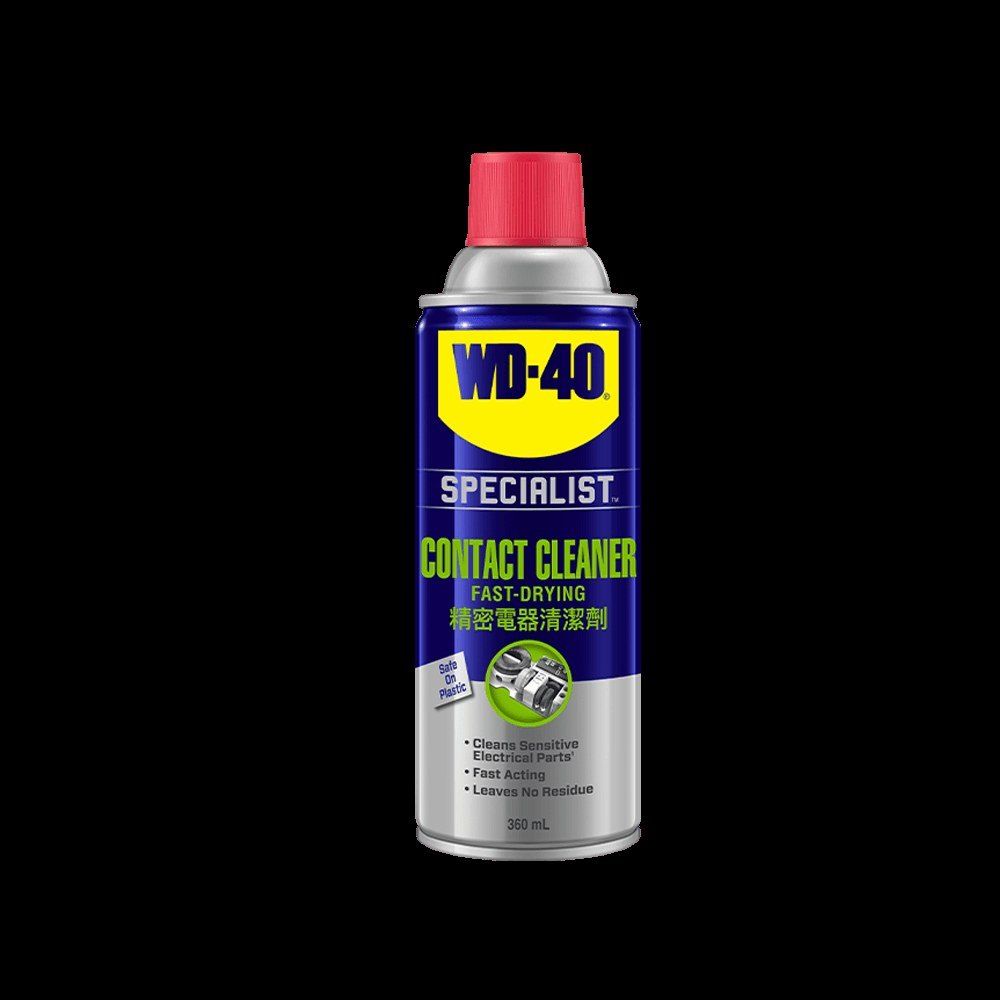
Hold the WD-40 Specialist Contact Cleaner can 15-20 cm away and spray the board, connectors or contacts generously. It dissolves dust, grease, oxides and moisture and flushes them out of narrow gaps.
For deep connectors and sockets, use the straw so the product reaches the contact surfaces. Heavily soiled areas can also be wiped with a lint-free cloth.
Step 4
Let it dry completely
The cleaner evaporates quickly and leaves no film. Wait a few minutes and check that the surface is dry with no streaks or dirt left.
If dirt remains, repeat the treatment. Do not switch the equipment on while there is still wet product inside the connectors.
Step 5
Protect external contacts from moisture
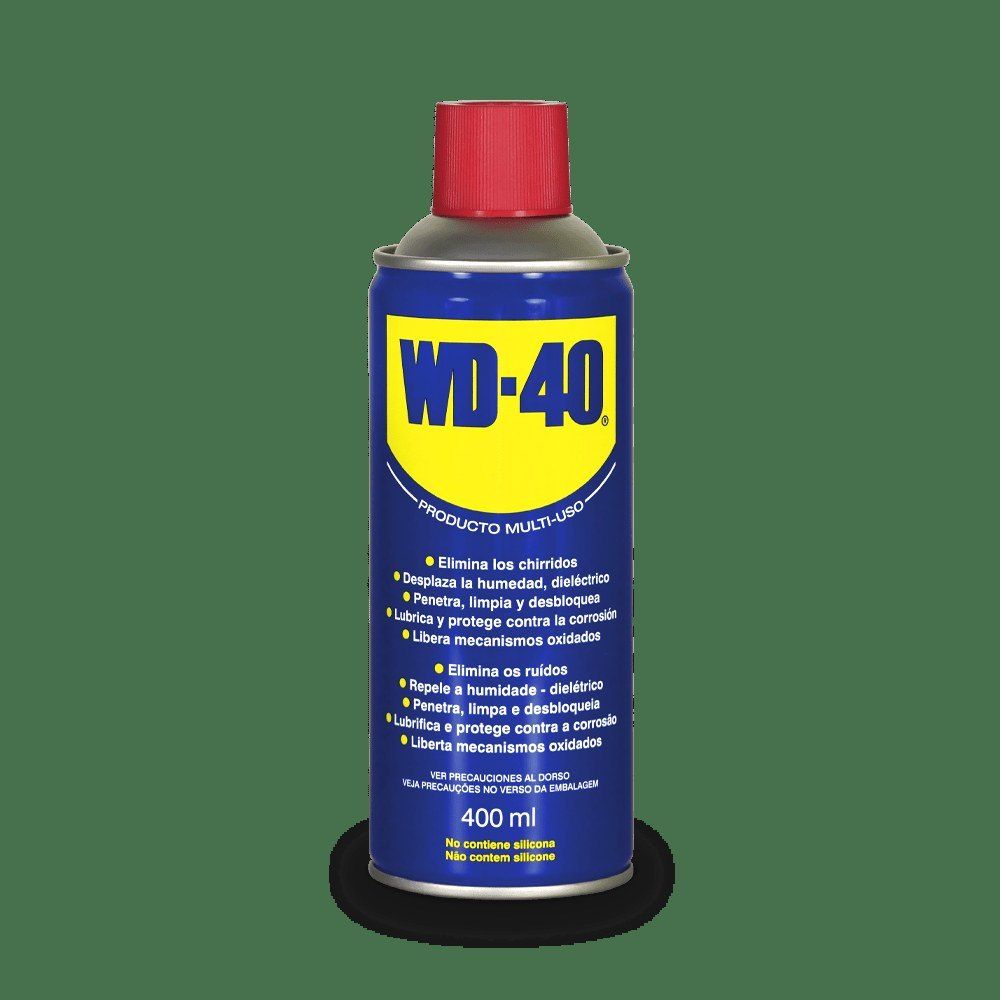
For terminals, connectors and contacts that work outdoors, in a garage or a cellar, apply a thin layer of WD-40 Multi-Use. It drives moisture off the metal and leaves a protective film against corrosion. WD-40 Smart Straw with the straw raised lets you reach right into a connector.
Wipe off any excess with a cloth so it does not collect dust. Refit the board or reconnect the connectors, and only then restore the power.
Tip: If equipment has got wet or been in a flooded room, do not switch it on straight away. Isolate it, dry it out, treat the contacts with cleaner and allow a full day to dry at room temperature.
What next
Check and treat contacts outdoors and in unheated rooms twice a year: before winter and in spring. WD-40 Specialist Contact Cleaner also works on remote controls, game controllers, car connectors and cordless tool battery contacts.
These uses come from the experience of WD-40 users in many countries. Always follow the instructions and warnings on the product label.
More guides in «How to use».