A smartphone is always in your hand: on public transport, in the kitchen, at the dinner table. Grease, dust and germs build up on the screen and body, and pocket lint collects in the charging port and speakers. As a result the phone charges less reliably, sounds quieter and simply feels unpleasant.
Cleaning takes a few minutes and helps both hygiene and performance. Here is how to do it safely without damaging the screen or water resistance.
What you will need
Important: Never spray anything directly onto the phone or submerge it, even if it is water-resistant. Do not apply WD-40 to the screen, as it damages the oleophobic coating. Never insert metal objects into the ports. Apply contact cleaner only to a phone that is switched off.
Step 1
Switch the phone off
Power the smartphone down completely and disconnect the charger, cables and headphones. This stops accidental screen taps and removes any risk of a short while cleaning the ports.
Step 2
Remove dust from the body and gaps
Take off the case. Use a soft anti-static brush or dry microfibre cloth on the gaps, buttons, speaker and microphone grilles and around the cameras. Gently scoop lint out of the charging port with a wooden toothpick, without pressing on the contacts. Clean the inside of the case too: dust and grit always gather there and scratch the phone.
Step 3
Wipe the screen and body
Wipe the screen, back panel and frame with a screen-cleaning wipe or an antibacterial wipe for electronics. Pay particular attention to the buttons and edges your fingers touch most. Then buff with a dry microfibre cloth until there are no streaks.
Step 4
Clean the ports
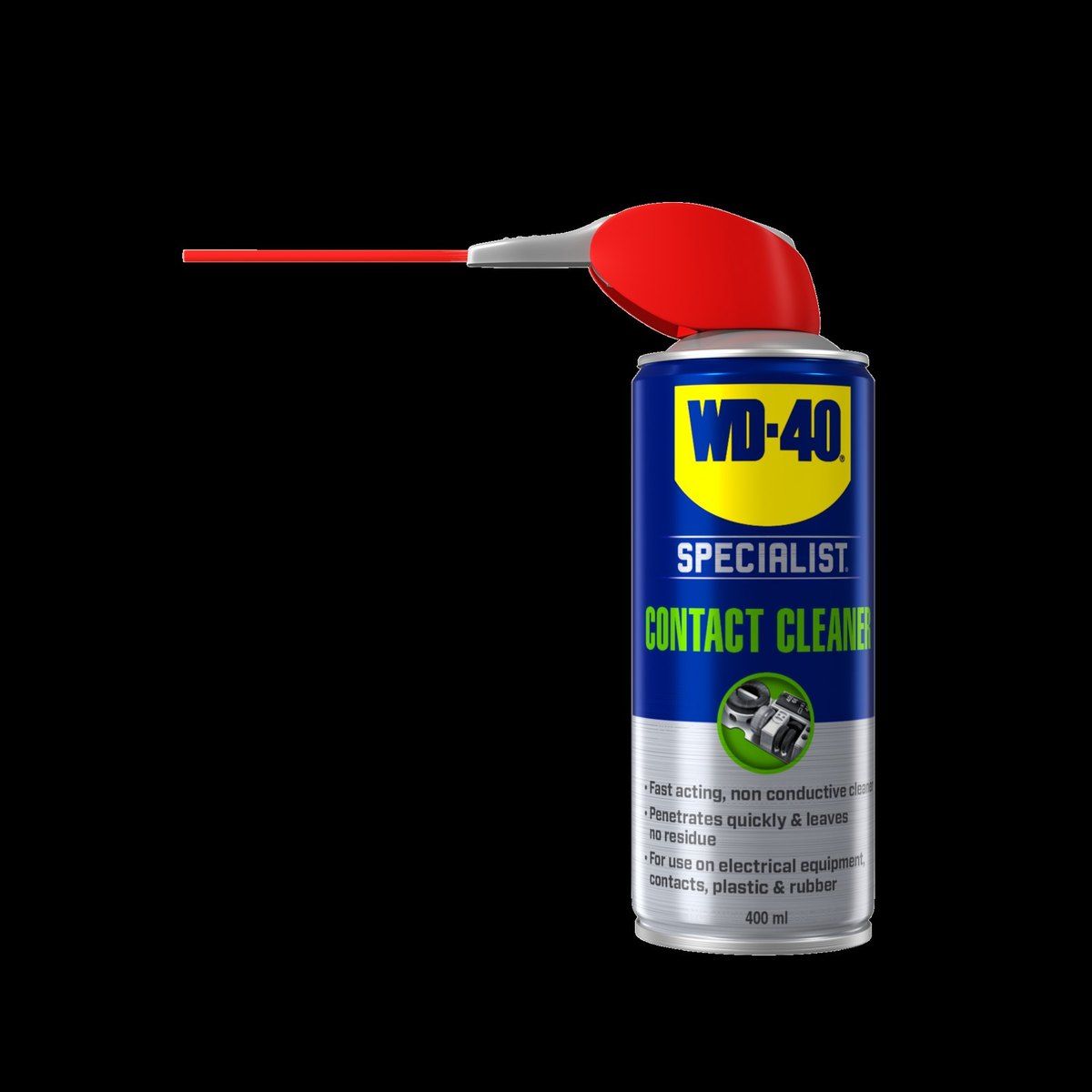
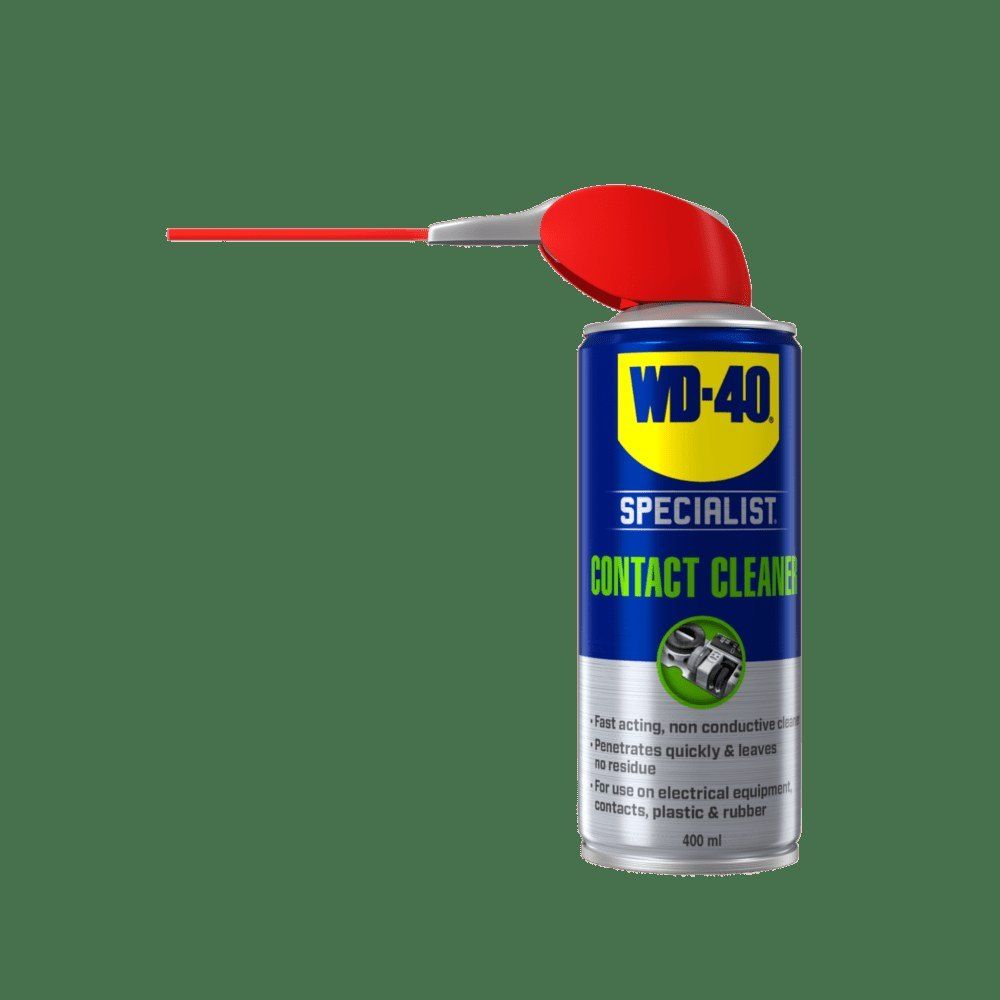
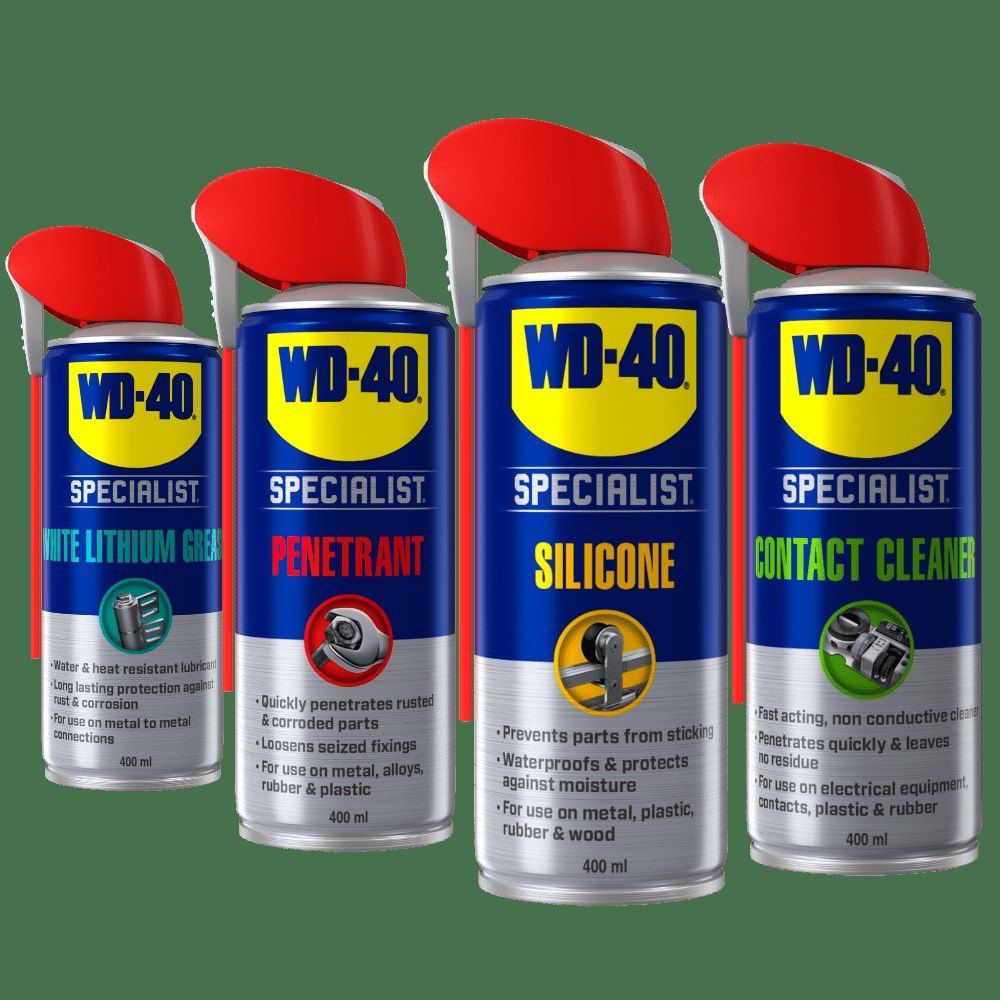
If the phone charges intermittently or the cable feels loose, dirt and oxidation are often to blame. Apply WD-40 Specialist Contact Cleaner to a brush or cotton bud rather than directly into the phone, and gently clean the charging port and headphone socket. It dissolves dust and greasy film and evaporates quickly. Leave the phone off for a few minutes until completely dry.
Step 5
Clean the charger
Unplug the charger from the wall. Wipe the cable and power adapter with a damp wipe to remove dust. Then treat the plugs at both ends of the cable and the USB socket of the adapter with contact cleaner. Only reconnect once dry.
Step 6
Remove stickers and glue from the case
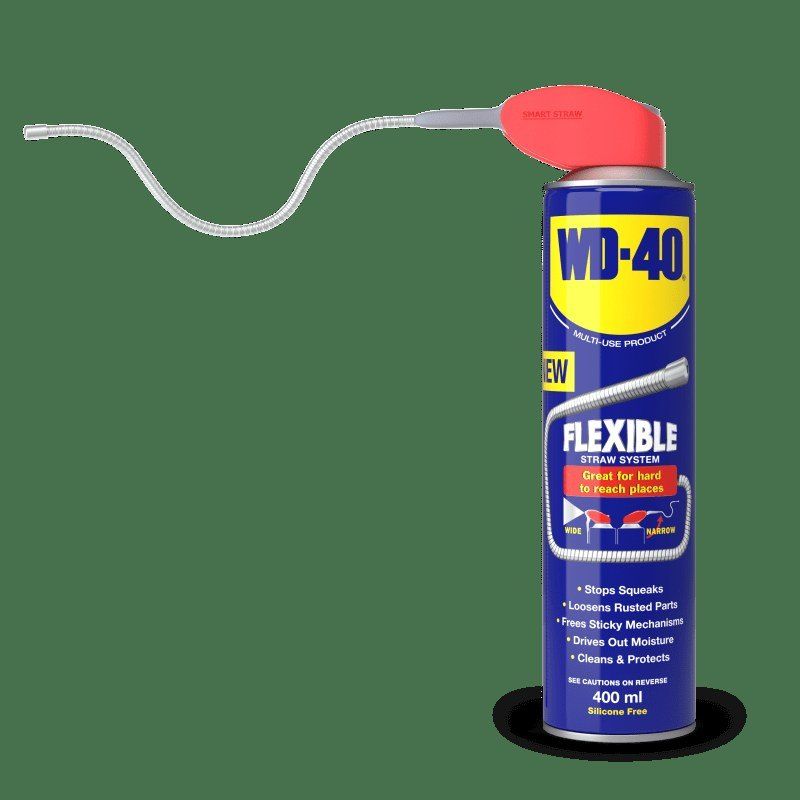
Sticker and glue residue on a plastic case or on the charger box comes off easily with WD-40 Multi-Use. Put a little on a microfibre cloth, hold it on the sticker for a minute, then rub lightly. Afterwards wash the case in warm soapy water so no oily film remains, and dry it.
Tip: Avoid putting your phone down on café tables or taking it into the toilet: these are the main sources of germs. The easiest habit is to wipe the screen every evening when you plug it in to charge.
What next
Wipe the screen daily, the body and case weekly, and treat the ports with WD-40 Specialist Contact Cleaner at the first sign of charging trouble or every few months. The same cleaner suits headphones, remote controls, keyboards and other home electronics.
These uses come from the experience of WD-40 users in many countries. Always follow the instructions and warnings on the product label.
More guides in «How to use».