Printed circuit boards are found in computers, printers, audio equipment, gas boilers, washing machines and gate control units. Wherever a fan runs, dust settles on the board even when filters are fitted. Dust holds static charge and moisture, and with damp autumns and the heating season that is a direct route to faults.
As well as dust, oxide forms on component legs and connector contacts. Periodic cleaning keeps equipment running reliably for longer.
What you will need
- vacuum cleaner with a plastic (not metal) nozzle
- hand blower, compressed air
- soft brush, nylon brush, cotton buds
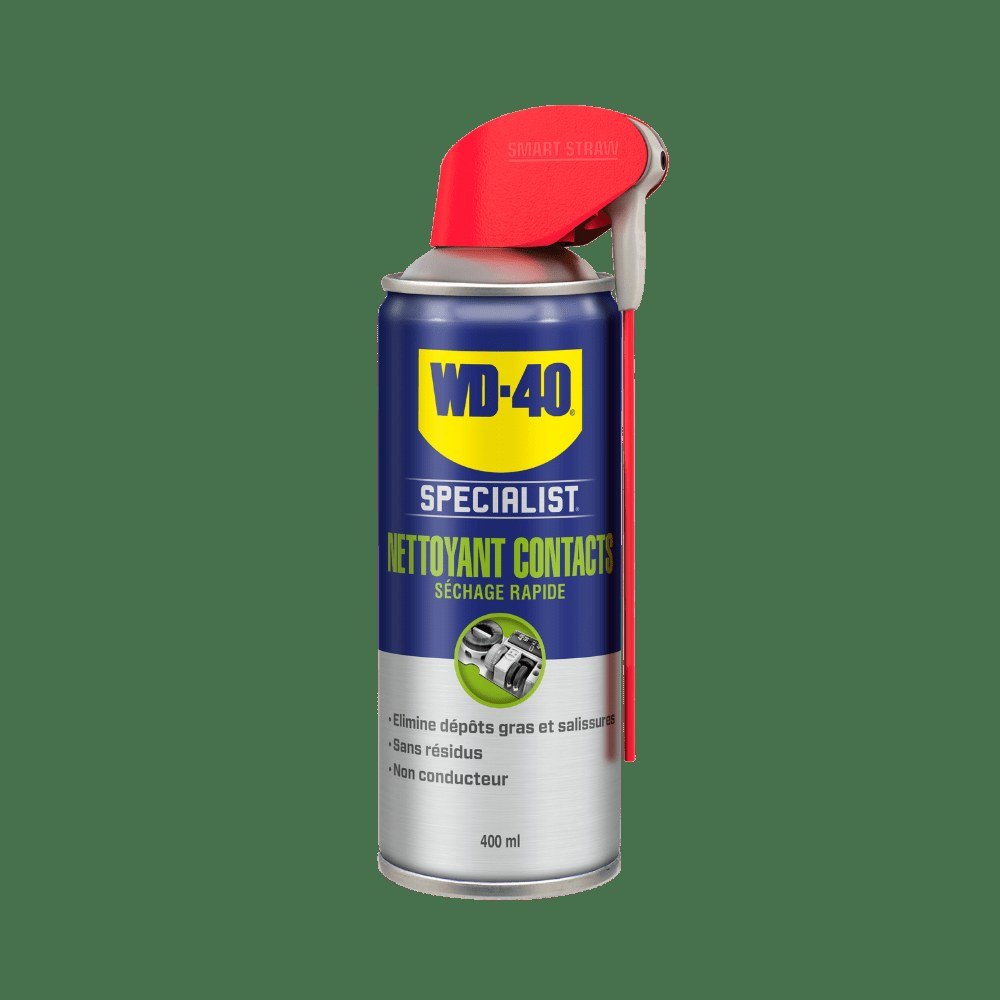
- WD-40 Specialist Contact Cleaner
- isopropyl alcohol
Important: Switch the appliance off and unplug it. Discharge static by touching earthed metal before handling the board. Photograph every connector before unplugging it.
Step 1
Remove dust with a vacuum or blower
Before taking the board out, vacuum the dust from it and the surrounding area using a plastic nozzle. Do not blow compressed air at a board still inside the appliance: the dust will simply spread to other parts.
If the board cannot be removed, use a hand blower. Compressed air is fine only once the board is out and away from the appliance. Label all ribbon cables and connectors as you remove it.
Step 2
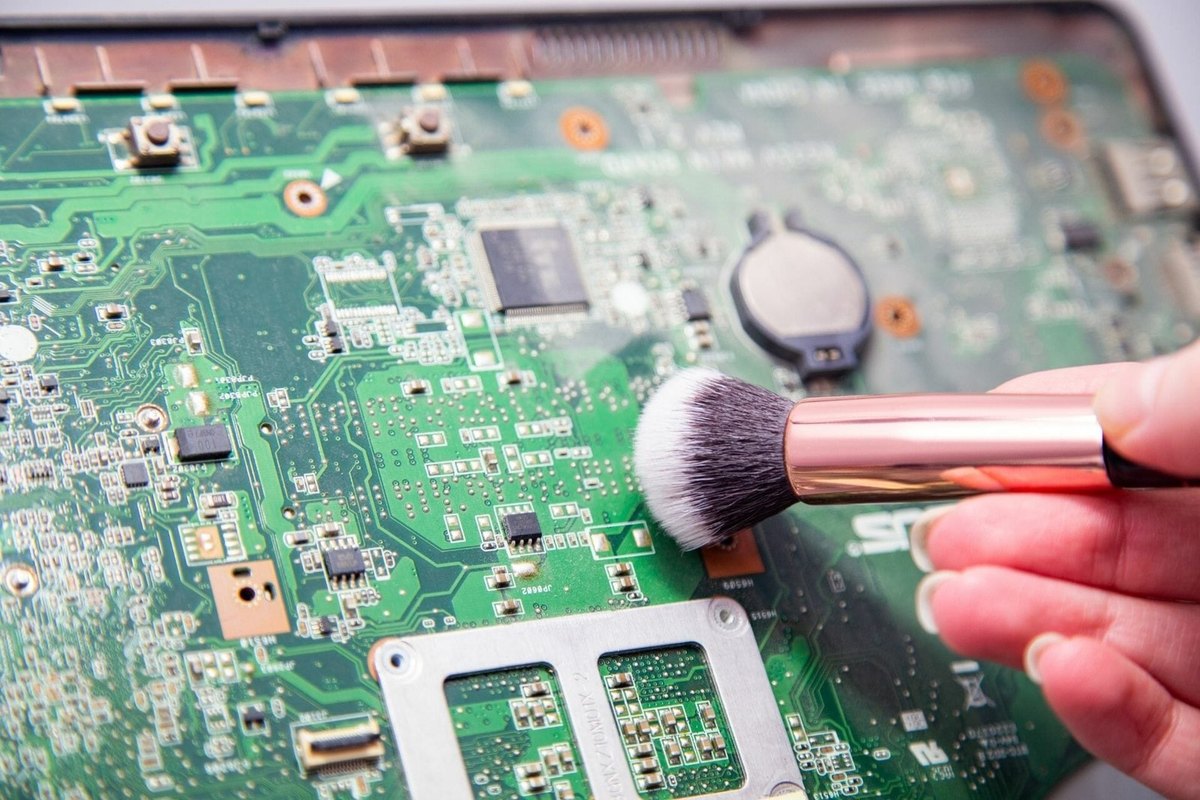
Go over it with a brush
A soft brush lifts dust that has stuck on. In tight spots use a cotton bud without pressing, so you do not catch small components.
Brush out the slots that the board plugs into as well.
Step 3
Treat oxidised areas
An even grey oxide layer on the legs can be left alone, as it protects the metal beneath. Yellow, greenish or brown deposits caused by damp or salty air, however, should be removed.
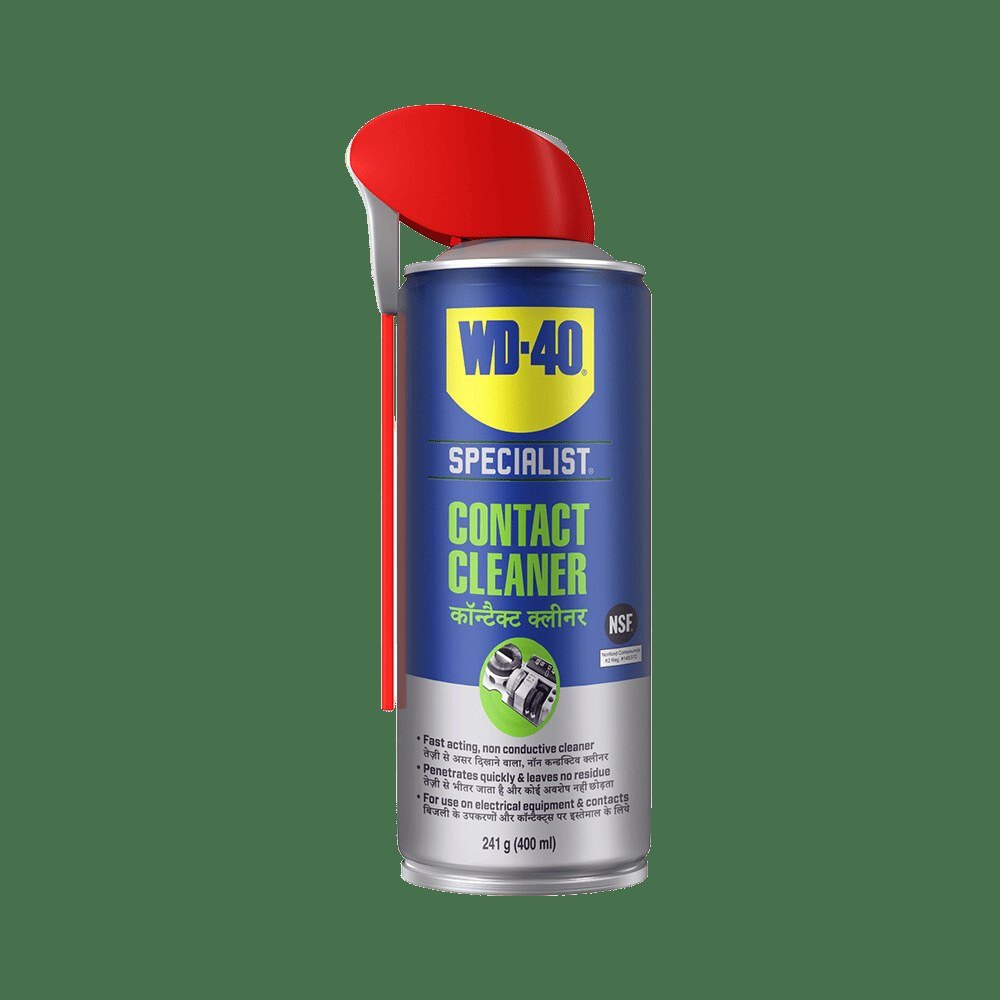
Spray them with WD-40 Specialist Contact Cleaner. It dissolves dirt, grease, flux residue and condensation, gets into hard to reach places, dries quickly without residue and restores contact conductivity.
Step 4
Dissolve old hardened grease
Rubbery layers of decomposed grease come off with isopropyl alcohol and a nylon brush, or with the same contact cleaner.
Avoid trichloroethylene, nitro thinners and other harsh solvents: they damage electrolytic capacitors and plastics.
Step 5
Wash thoroughly if needed
If the appliance can stay off for a few days, a heavily soiled board can be washed with water and a neutral detergent. Some manufacturers allow this method.
After washing, blow the board dry with compressed air and leave it in a warm, dry place for several days before refitting.
Step 6
Clean the appliance and connectors
Before refitting the board, clean the inside of the case the same way. Treat the slots, connectors and cables that run to the board with WD-40 Specialist Contact Cleaner and let them dry.
Step 7
Check grilles and filters
Before switching on, inspect the ventilation grilles, fans and filters. Cleaning them regularly is the best protection against a new layer of dust on the board. Reassemble using your photos and test.
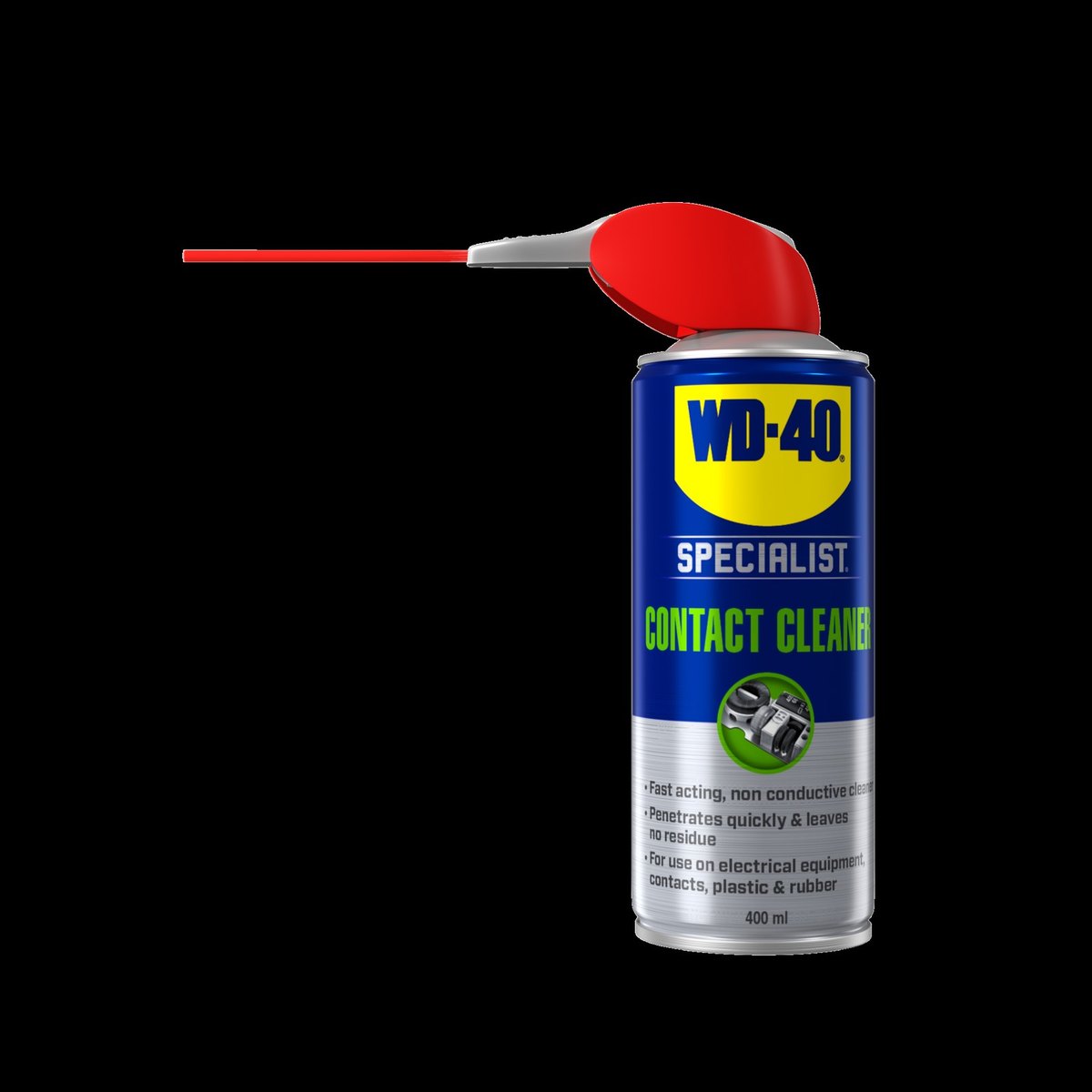
Tip: Spray the cleaner in short bursts and hold the board at an angle so the dissolved dirt runs off rather than spreading across the surface.
What next
Clean computers and boilers of dust once a year, more often in dusty rooms. If equipment sits in a damp cellar or garage, check the connectors every few months. Keep WD-40 Specialist Contact Cleaner to hand for quick contact treatment.
These uses come from the experience of WD-40 users in many countries. Always follow the instructions and warnings on the product label.
More guides in «How to use».