The anti-lock braking system (ABS) stops a wheel locking under braking: when a wheel stops turning, the system briefly releases that brake even if the driver keeps pressing the pedal. The car stays steerable and the stopping distance does not grow. Each wheel has its own sensor near the hub that reads a reluctor ring (a toothed ring or a magnetic ring in the bearing).
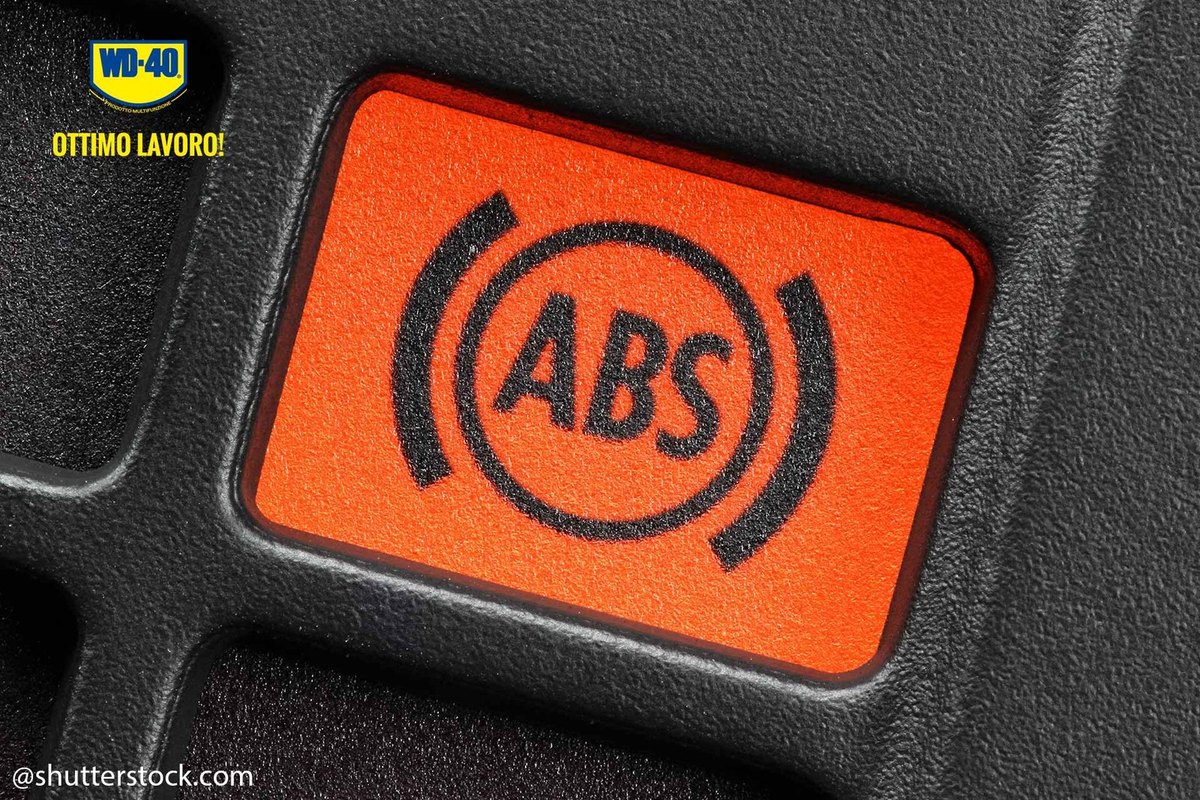
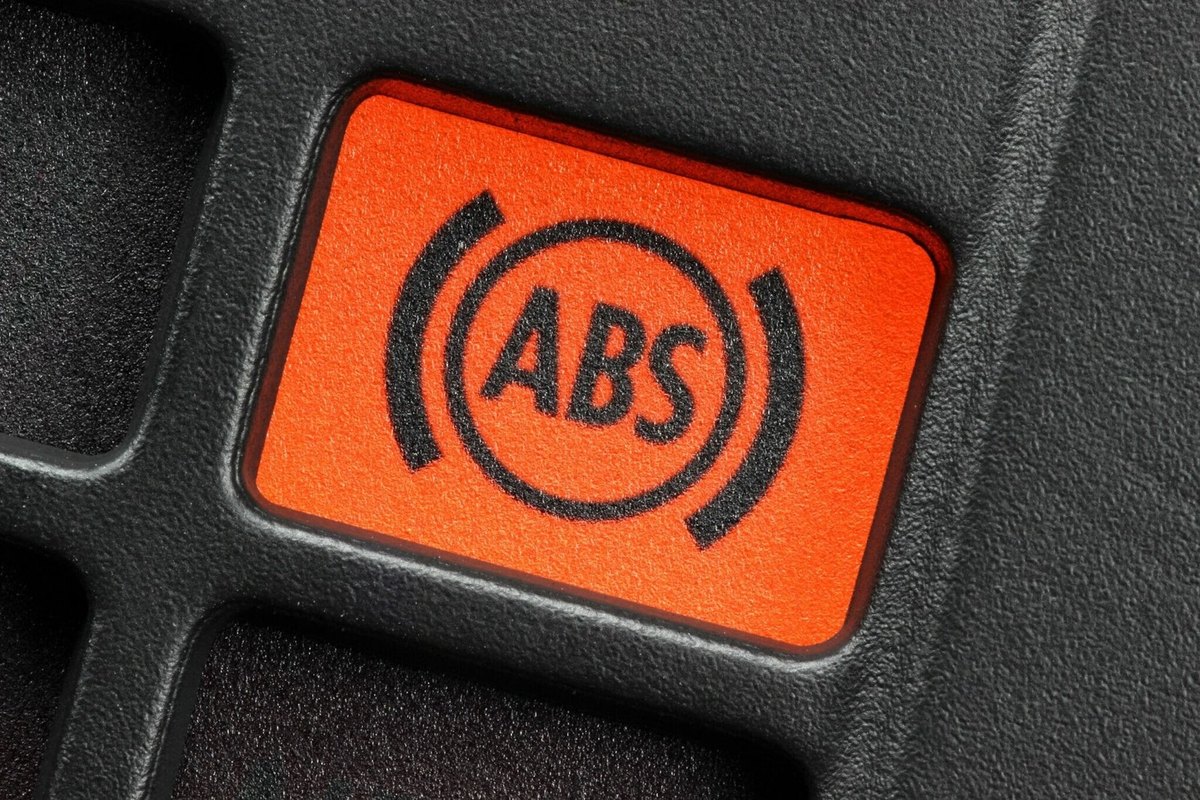
The usual sign of trouble is the ABS warning light staying on after start-up, or uneven braking. First rule out a fuse or the control unit and read the fault codes with a scanner: it will tell you which sensor is at fault. Often the culprit is not the sensor itself but a damaged wire or a corroded connector.
What you will need
Important: Switch off the ignition before working on the electrics and disconnect the negative battery terminal if needed. Only work under the car when it is resting on sound axle stands, never on the jack alone.
Step 1
Inspect the sensor wiring
The lead from the sensor to the control unit runs through much of the car and is held by clips, grommets and ties. After driving on rough roads, in mud or on salted winter roads, it can chafe, crack or pop out of a holder and rub on the wheel. Follow the whole route and look for damaged insulation.
Step 2
Check the connector and replace damaged sections
The sensor lead has a connector joining it to the section that runs to the control unit. Unplug it and inspect the pins: corrosion and dirt cause the same faults as a failed sensor. Clean the contacts with WD-40 Specialist Contact Cleaner and let them dry.
If the lead from the connector to the control unit is damaged, replace that section. If the damage is on the sensor side, or cannot be repaired, replace the sensor together with its lead.
Step 3
Get access to the sensor
Loosen the wheel bolts, raise the car, support it on axle stands and remove the wheel. On some models the sensor connector is inside the cabin or behind the wheel arch liner, so you may need to remove a trim panel or the liner.
Step 4
Remove the old sensor
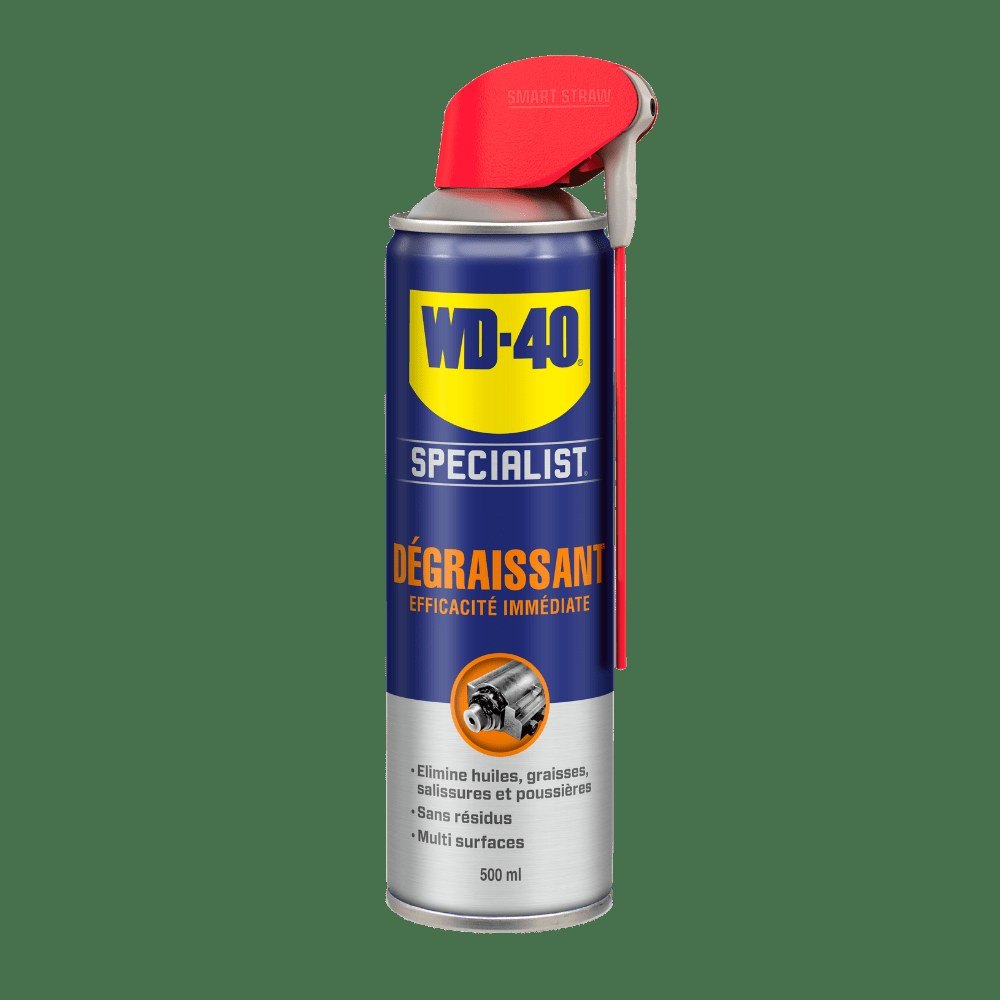
Release the lead from all its holders on the body and suspension. External clips are usually caked in mud and dirt: clean them with WD-40 Multi-Use and a cloth so they open without breaking.
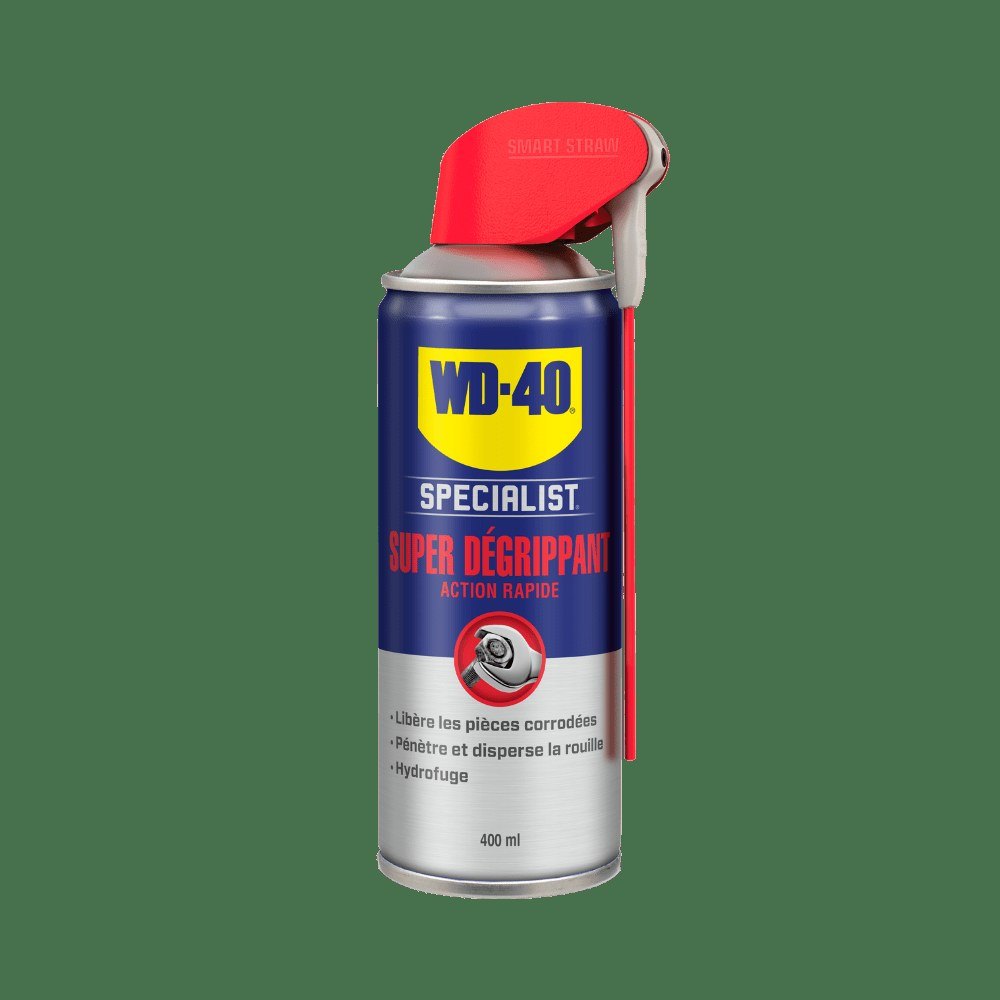
Apply WD-40 Specialist Penetrant to the retaining bolt and around the joint between sensor body and hub, then wait 10 to 15 minutes. Remove the bolt and work the sensor out by gently rocking it, without hammering: broken pieces left inside make the job much harder.
Step 5
Fit the new sensor and test the system
Clean rust and dirt from the sensor bore and wipe it dry so the sensor sits squarely with the correct gap to the ring. Insert the sensor and tighten the bolt without excessive force. Route the lead through the same holders as before so it cannot touch the wheel, and push the connector home until it clicks.
Refit the wheel, reconnect the battery, clear the fault codes with the scanner and take a test drive. The ABS light should go out after start-up.
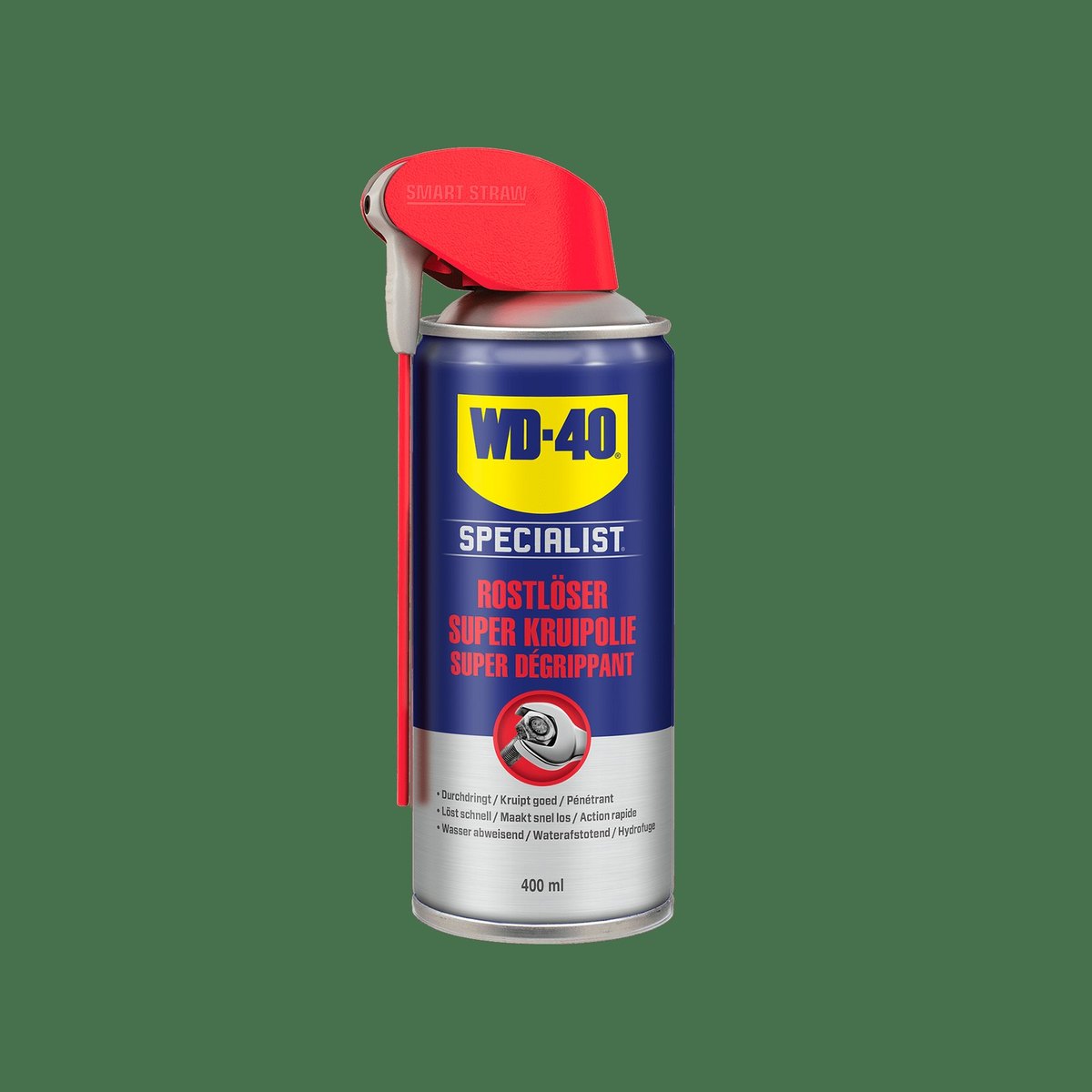
Tip: If the ABS light comes on only in damp weather, the connector is the most likely cause. Once a year, for example at the tyre change, unplug the sensor connectors and treat them with
WD-40 Specialist Contact Cleaner: it costs far less than a new sensor.
What next
If the light stays on after replacement, check the reluctor ring and wheel bearing or book a diagnostic check: the ABS unit itself may be at fault. Make an inspection of the sensor wiring part of every seasonal service.
These uses come from the experience of WD-40 users in many countries. Always follow the instructions and warnings on the product label.
More guides in «How to use».