Stickers of favourite characters, logos or slogans personalise a laptop, but when you tire of them they rarely come off cleanly. Bits of paper stay on the lid, with a tacky layer underneath that picks up dust and grime from your bag.
You cannot wash a laptop in warm soapy water like a glass jar, so you need to be careful: as little liquid as possible, soft tools only and no spray near the ports or keyboard.
What you will need
Important: Switch the laptop off and unplug the charger. Never spray products directly onto the case: apply them to a cloth so no liquid gets into vents, ports, the keyboard or onto the screen. Test the finish on a hidden spot such as the base first. Abrasives such as baking soda or melamine sponges can wear away paint and matte coatings.
Step 1
Prepare the laptop
Shut the laptop down completely, unplug the power cable and remove any devices from the ports. Close the lid and lay the laptop on a towel, sticker side up. Gently peel off whatever is left of the sticker itself, lifting the edge with a fingernail or card.
Step 2
Apply the product to a cloth
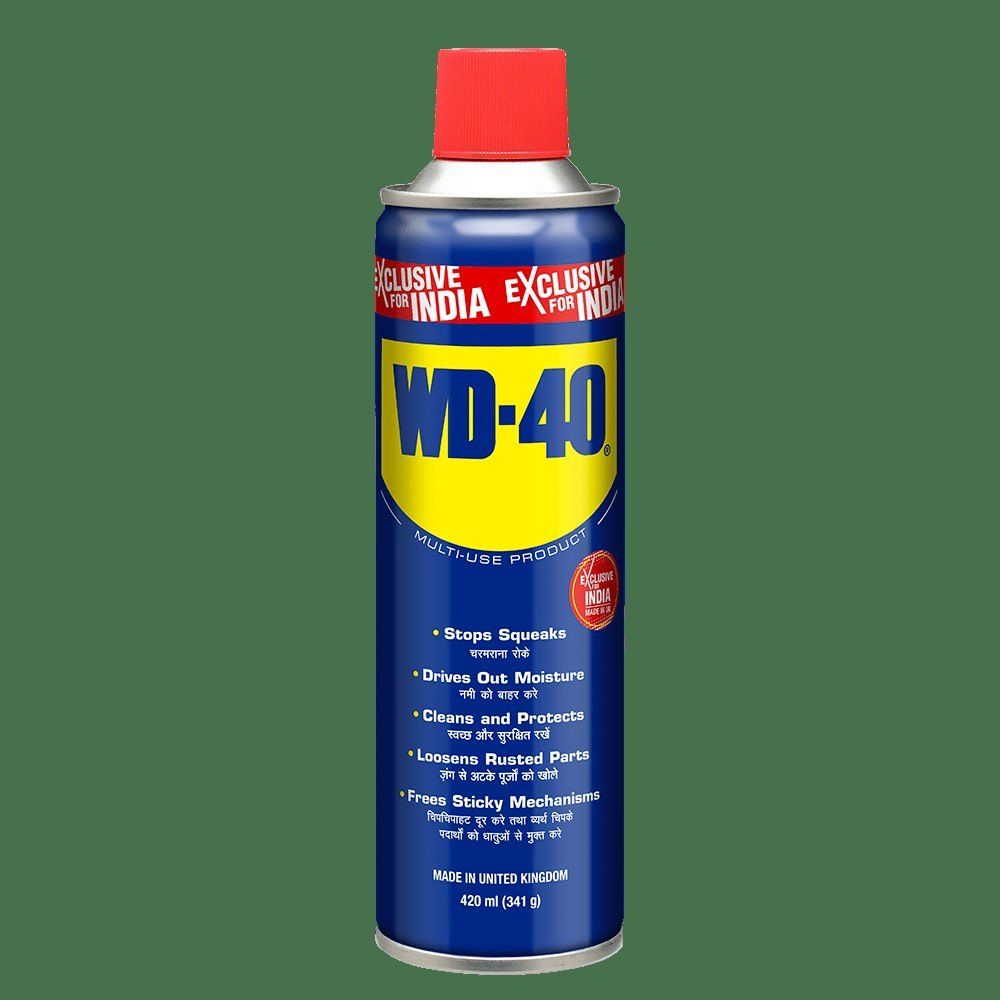
Spray a small amount of WD-40 Multi-Use onto a microfibre cloth, not onto the laptop. Press the damp part of the cloth onto the sticky patch so it is fully covered. Use a cotton bud near the edges of the lid and along seams.
Step 3
Leave it for 5-7 minutes
Do not rub straight away. Within a few minutes the product works under the adhesive and loosens its grip on the plastic or aluminium. Keep the laptop flat so no liquid runs anywhere.
Step 4
Lift the glue with a card
Ease the softened glue off with the edge of a plastic card held at a low angle, then collect the rest with the cloth. If some remains, repeat, using less product on the cloth each time.
Step 5
Finish and dry the surface
To remove the oily film, put a little WD-40 Specialist Contact Cleaner on a clean cloth and wipe the area. It evaporates quickly and leaves no marks. Let the case dry for a few minutes before switching the laptop back on.
Tip: If you like changing stickers, put them on a clear snap-on case rather than directly on the laptop. The laptop stays clean and the case is easy to replace.
What next
The same gentle method works for tablets, monitors and other device housings. For regular care of connectors and contacts, keep WD-40 Specialist Contact Cleaner at hand.
These uses come from the experience of WD-40 users in many countries. Always follow the instructions and warnings on the product label.
More guides in «How to use».