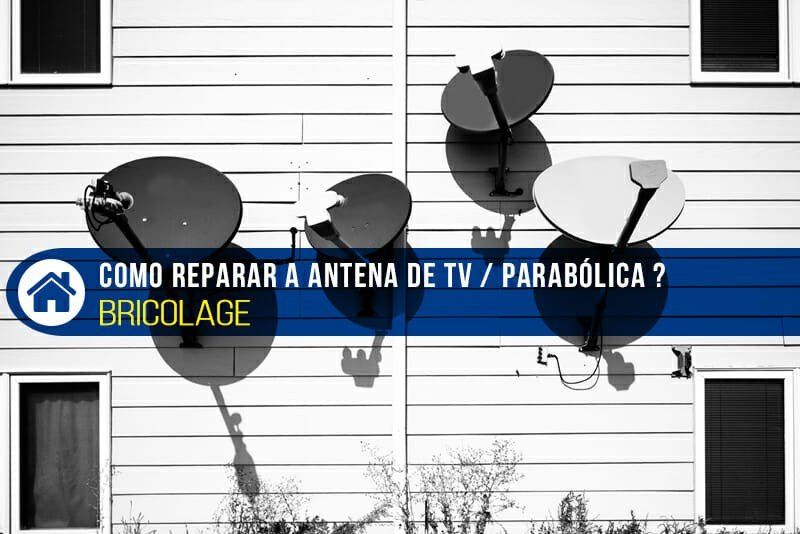
An aerial or satellite dish can work for years without attention, but strong wind, rain, wet snow and temperature swings gradually take their toll. The dish is knocked off alignment, fixings rust, and water gets into the connectors, so the signal weakens or disappears altogether.
If the cause is not electronic, much can be fixed yourself: realigning the dish and cleaning and protecting the connections. Leave complex cases involving amplifiers and wiring to a technician.
What you will need
Important: Working on a roof or at height is dangerous: do not go up in rain, ice or wind, use a harness and work with a helper. Unplug the TV and receiver before handling connectors. Keep well away from power lines. If in doubt, call a professional.
Step 1
Put safety first
Work out how to reach the aerial. If it is on the roof, clip a safety harness to a secure anchor, wear non-slip footwear and watch where you step. Ask someone to stay nearby and watch the TV.
Step 2
Loosen the dish fixings
Strong wind often pushes the dish out of alignment and the receiver loses signal. Loosen the nuts holding the dish to the mast and those that set the elevation angle.
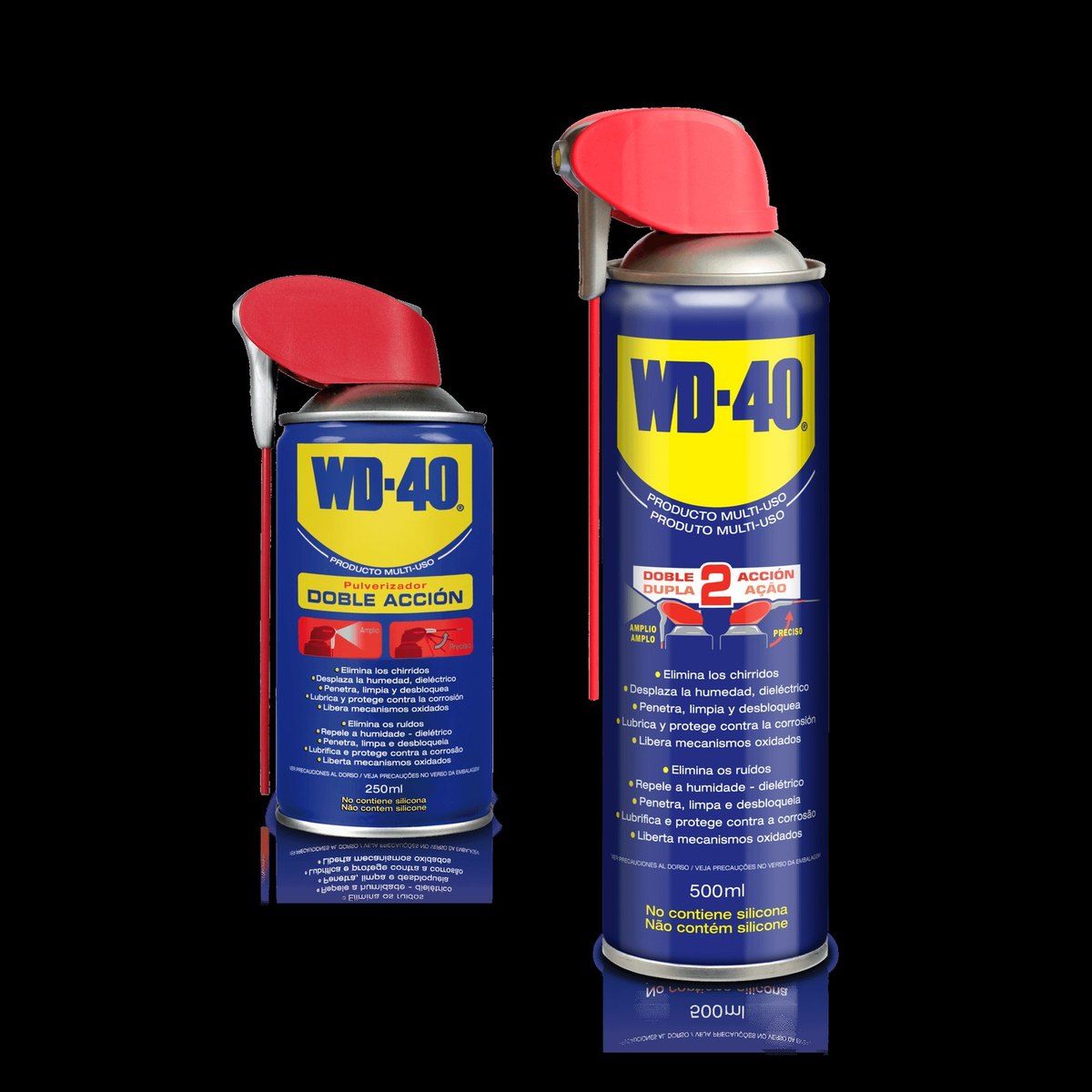
After a few years outdoors they are often seized. Apply WD-40 Specialist Penetrant, wait a few minutes and undo them with steady force rather than jerks so you do not strip the thread. Repeat in stubborn cases.
Step 3
Align the dish and protect the fixings
Azimuth and elevation angles for your town and satellite are easy to find with online calculators. Turn the dish slowly until your helper reports the signal quality bar on screen is at its highest, or use a satellite finder.
Tighten the nuts firmly and spray them with WD-40 Multi-Use: it displaces moisture and protects the metal from further rust.
Step 4
Check the LNB connector
Heavy rain or melting snow often drives water into the connector on the LNB. Unscrew the F connector and inspect it: if there is green or brown deposit and rust, replace it with a new one of the same diameter.
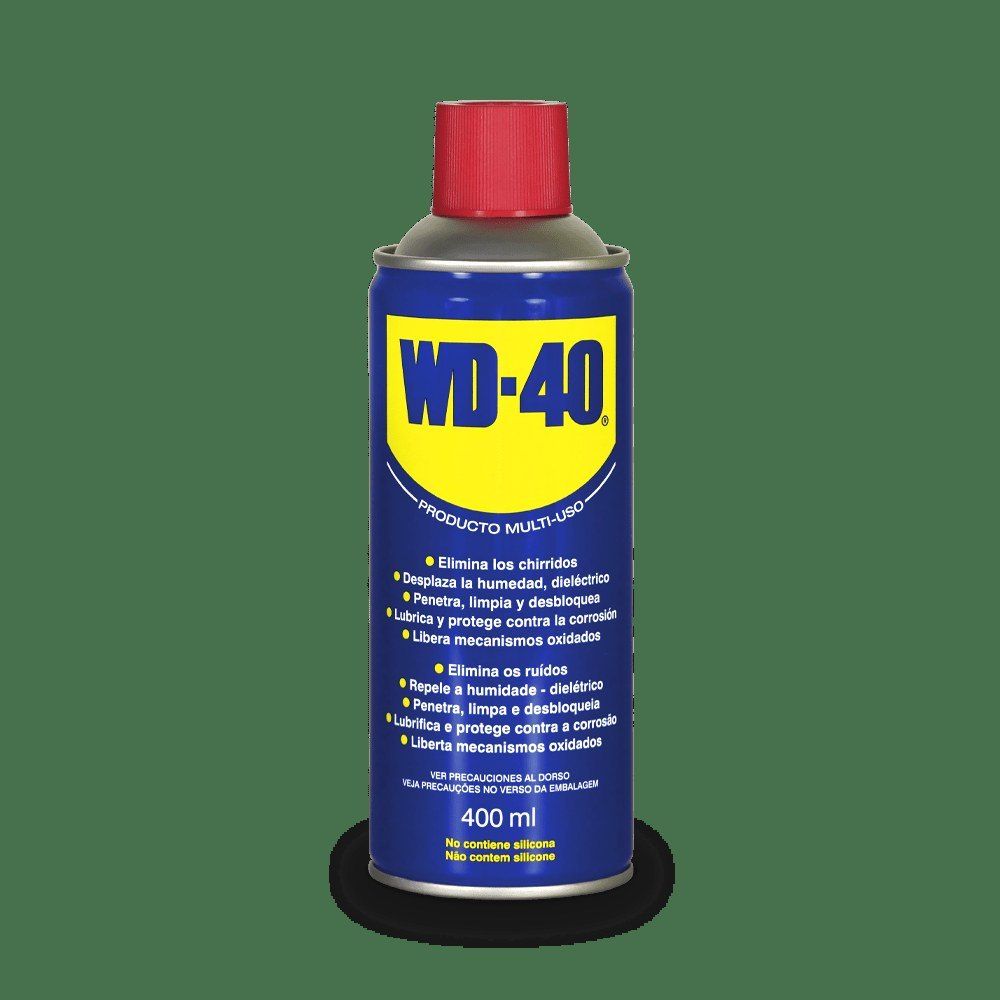
Strip the cable and fit the new connector so the centre core does not touch the braid. Before connecting, give the LNB socket and the connector a short burst of WD-40 Specialist Contact Cleaner: it displaces moisture and condensation, reaches awkward spots and restores conductivity.
Step 5
Check the indoor connections
Do the same with the wall socket connector and the input on the receiver or TV: inspect, replace if needed and treat with WD-40 Specialist Contact Cleaner. Switch everything on and check the signal quality.
Tip: After connecting, wrap the LNB connector with self-amalgamating tape or fit a weather boot, and form a drip loop in the cable just before the connector so rainwater runs off rather than following the cable into the joint.
What next
Check fixings and connectors in autumn before the snow season and in spring after winter. If the signal still does not return, the LNB or receiver may be at fault, and that is a job for a technician.
These uses come from the experience of WD-40 users in many countries. Always follow the instructions and warnings on the product label.
More guides in «How to use».